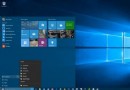
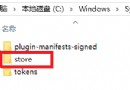
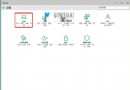
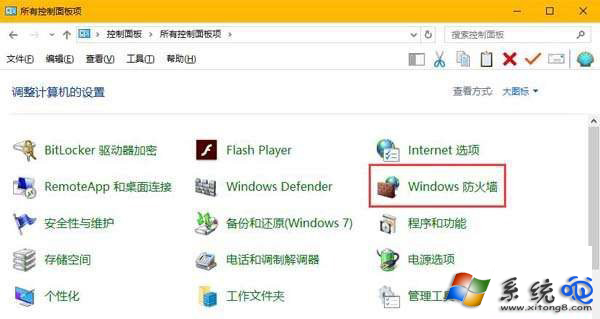
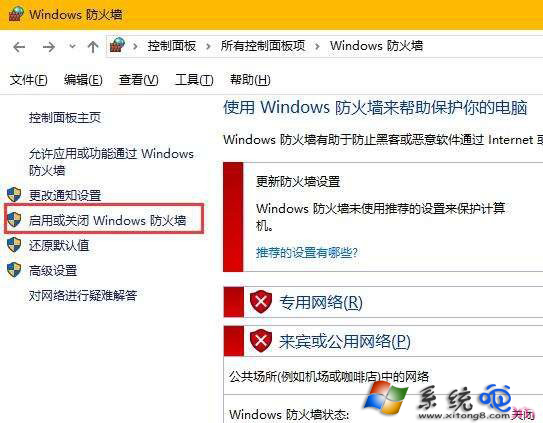
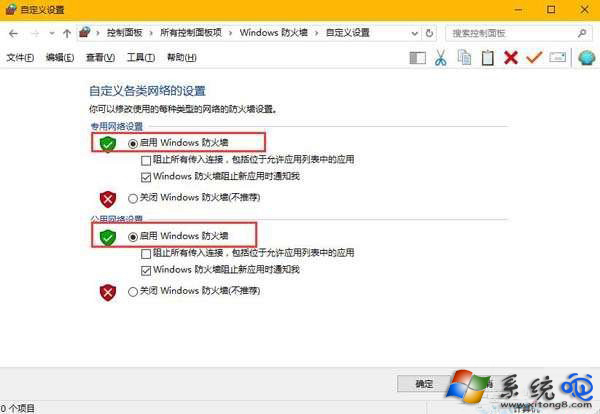
安裝應用程式(特別是 Microsoft Store 應用)出現 0x800706d9,主因是 Windows 防火牆服務被停用。控制台 → Windows 防火牆 → 開啟/關閉防火牆 → 專用/公用網路皆勾選「開啟 Windows 防火牆」即可。
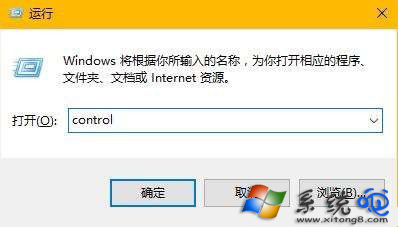
control 開啟控制台。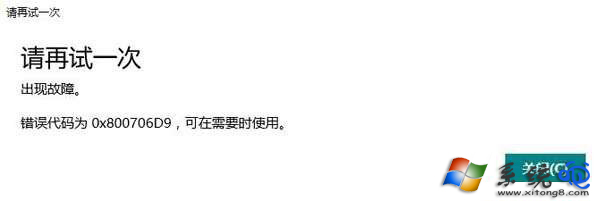
原因:許多優化軟體、第三方防火牆會停用 Windows 防火牆服務,導致應用安裝所需的 RPC 通訊受阻。
Win10 開啟「登入資訊顯示」:登錄檔 DisplayLastLogonInfo=1 顯示上次登入時間與狀態
Windows 10 如何禁止收集個人資訊?關閉診斷資料與 Cortana 一步到位
Win10 開始選單與 Cortana 無法運作?啟用 User Manager 服務並登出登入徹底修復
Win10 Build 10586 更新詳情:UI 改進、Edge 優化、圖示更新、Messaging/Skype 新應用 (同 22621 內容擴充)
Windows 10 新增環境變數教學:控制台系統進階設定建立使用者/系統變數