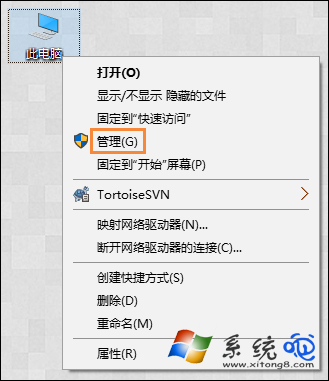
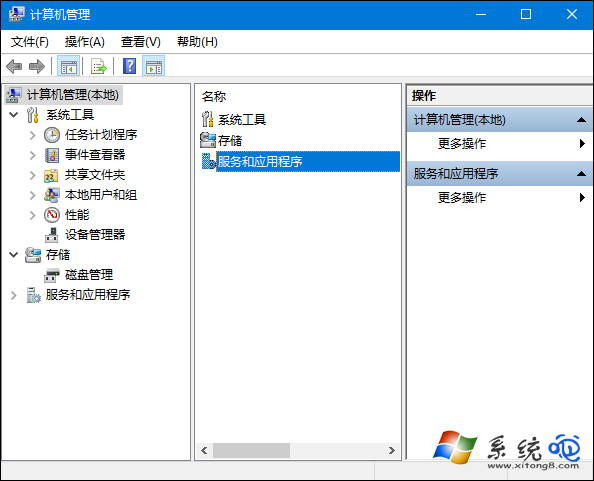
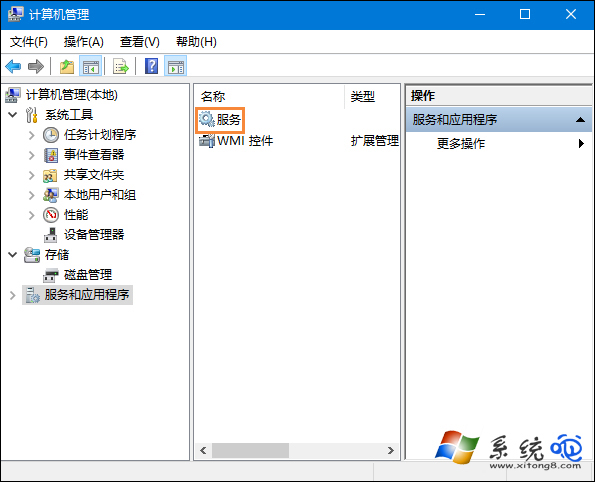
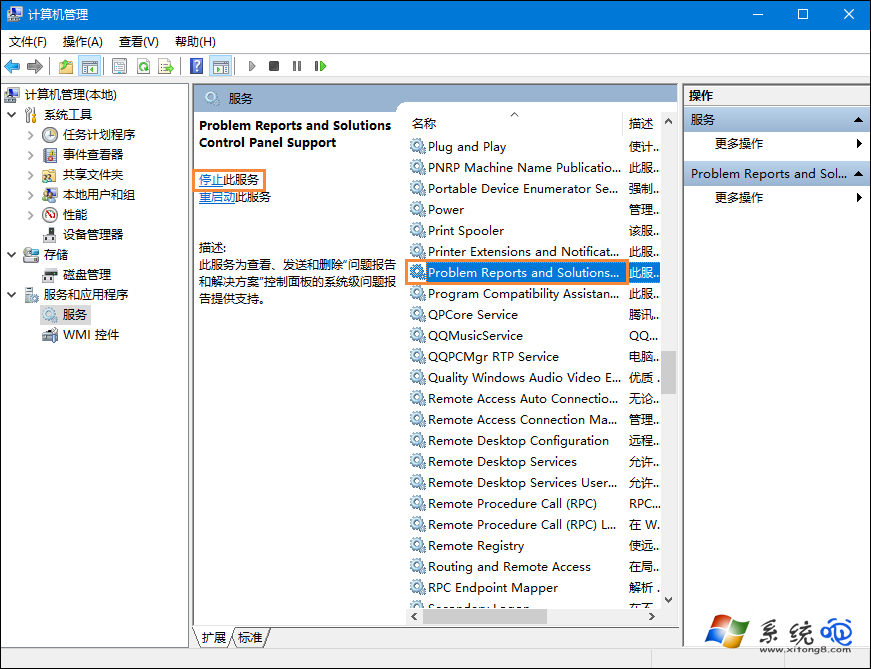
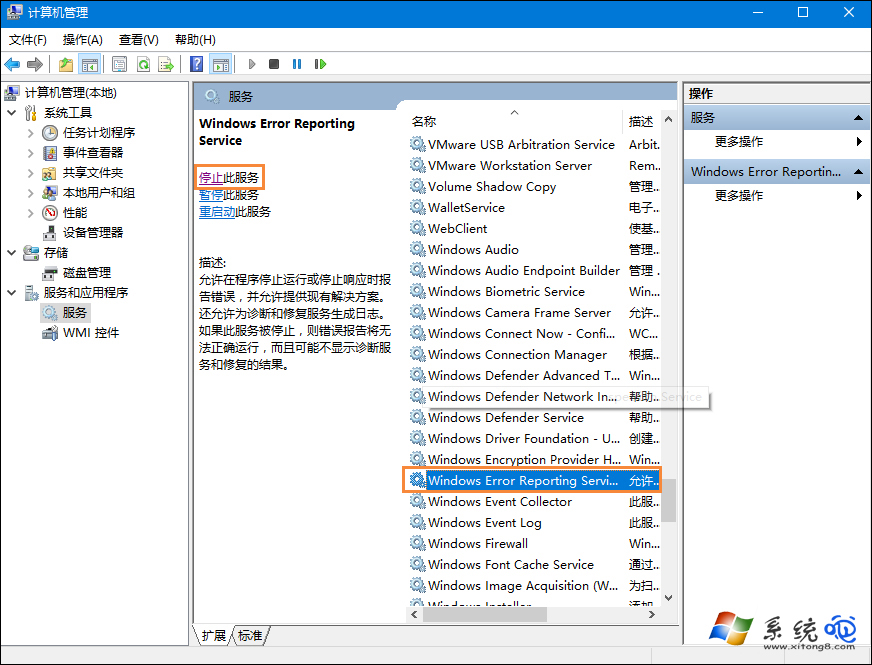
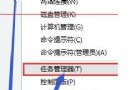
Win10 筆電螢幕輕微閃爍(非顯卡硬體故障),主因是 Problem Reports and Solutions Control Panel Support 與 Windows Error Reporting Service 干擾顯示效果。停用這兩項服務即可恢復穩定。
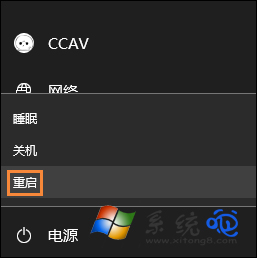
提示: 為避免服務停止報錯,可先進入安全模式執行上述操作。若閃爍伴隨變色/模糊則可能為顯卡硬體問題,需另行檢測。
Win10 應用程式更新錯誤 0x803F7000 完整解決方案
Win10 右鍵選單遺失「新增」項目:修復登錄表 New 鍵值恢復功能 (同 ID 23159/23170)
Win10 工作列顯示星期幾:控制台自訂短日期格式加入 dddd
Win10 關閉作業中心 (通知中心) 登錄表法:新增 DisableNotificationCenter = 1 徹底停用
Win10 為電腦新增描述:區域網路快速識別裝置用途
Win10 移除 Modern 應用程式殘留圖示:重啟 explorer.exe 刷新開始選單快取
Win10 安裝過程提示「檔案遺失或損壞」的解決辦法
Windows 10 設定開機自動撥號寬頻連線(圖文教學)