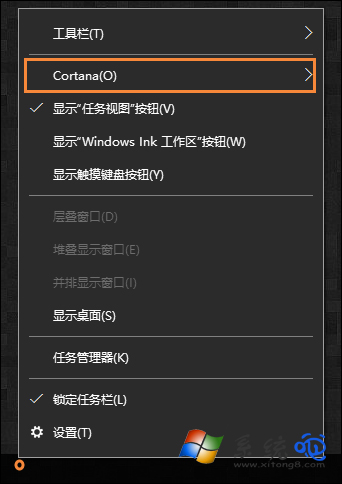
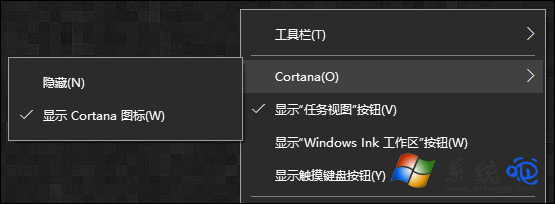
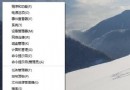
任務列左側佔據大片空間的「輸入文字搜尋」/小娜圖示,不習慣可一鍵隱藏,需要時再顯示。
一鍵隱藏/顯示,任務列空間隨心掌控!
Win10 IE 瀏覽器如何禁止顯示圖片?Internet 選項進階設定關閉多媒體圖片載入省流量
刪除 Win10 系統 Windows.old 文件釋放磁碟空間
Win10 TH2 更新後設定頁面打不開?SFC 修復系統檔案 + 替換 opencl.dll
Windows 10 正式版預計 2015 年夏末秋初釋出
Win10 照片磚貼自訂背景色:三步打造專屬開始選單色系
Windows 10 如何更改螢幕解析度?設定介面與傳統右鍵選單雙管齊下完整教學
Win10 開始選單找不到控制台?兩種快速開啟方法
Win10 瀏覽器右下角彈出小廣告?結束「HyFamily」進程徹底淨化