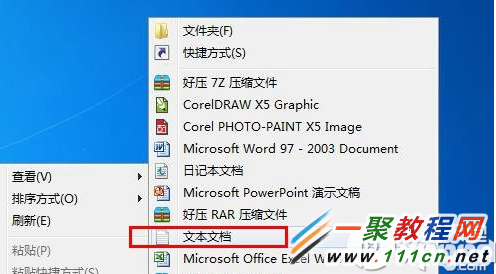
建立批次檔簡化關機操作:
rasdial /DISCONNECTshutdown -s -t 00
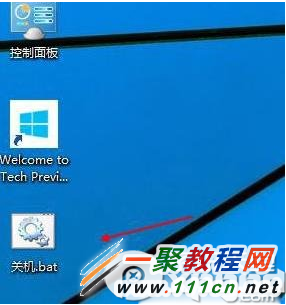
關機.bat
雙擊即執行斷線關機,適合習慣桌面圖示操作的用戶。
Win10 Edge 瀏覽器播放綠屏?更新顯卡驅動或關閉 Flash 硬體加速雙重修復
Win10電腦版微信無法登入、掃碼失效?兩大核心解決方案
Windows 10 如何關閉 OneDrive 同步?工作管理員停用啟動項與設定停用同步雙管齊下
Win10 升級遇到錯誤 0x80070002?停用第三方服務法
Win10 隱藏「此電腦」中空的光碟/磁碟機圖示,讓檔案總管更整潔
Win10 視窗吸附升級版:拖曳至螢幕四角自動佔 1/4 螢幕、智慧分屏教學
Win10 桌布設定後變模糊?登錄表關閉 JPEG 壓縮恢復原畫質
Win10 設定應用程式存取麥克風權限完整教學