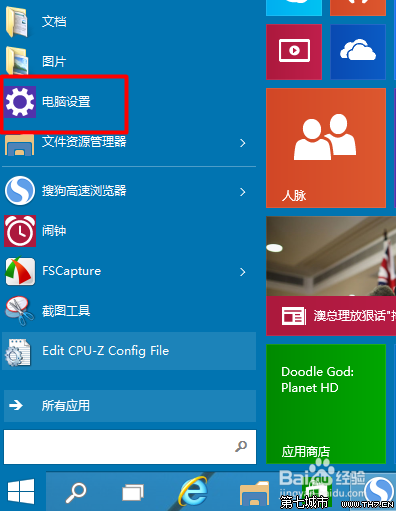
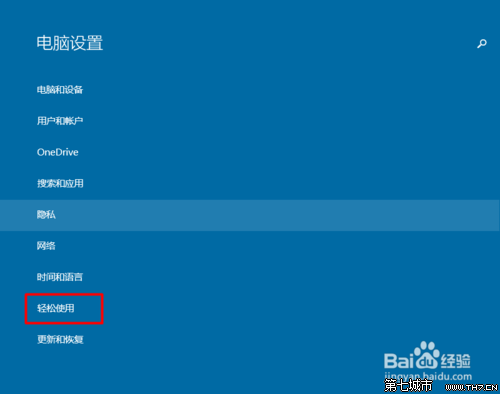
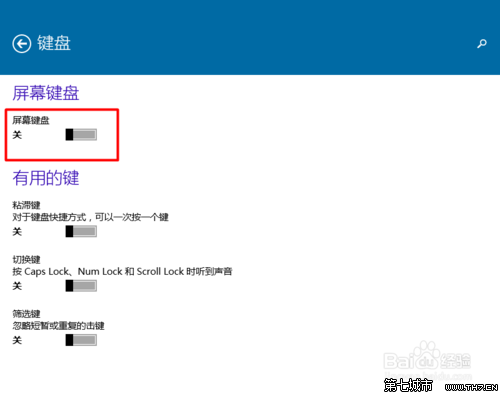
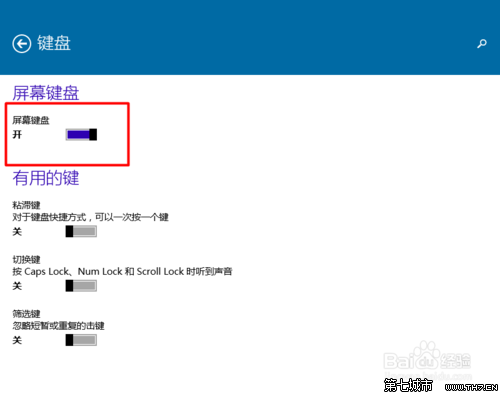
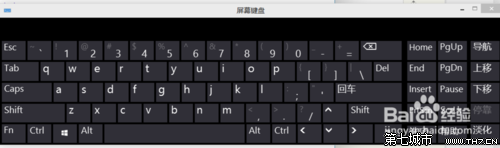
預設關閉,需手動開啟。適合實體鍵盤故障、觸控裝置、無障礙使用等情境。
Win10 如何設定開機自動執行程式?工作管理員啟動頁籤管理
Win10 周年更新 (1607) 升級全指南:三大官方渠道詳解
Win10 應用商店/更新出現 80072efd 錯誤?關閉防火牆安全軟體或加入白名單解決連線被阻擋
Win10 IE/Edge 無法開啟 HTML 檔案?修復檔案關聯教學
Win10 記事本無回應未儲存怎麼辦?右鍵「編輯」開啟新視窗搶救記憶體資料
Win7/Win8.1 偵測不到 KB30355583 升級補丁?官方下載連結直鏈 + GWX.exe 手動安裝解決
升級 Win10 後 360 瀏覽器無法上網?LSP 損壞、權限異常、字體模糊、Spartan 核心四大問題完整解決方案