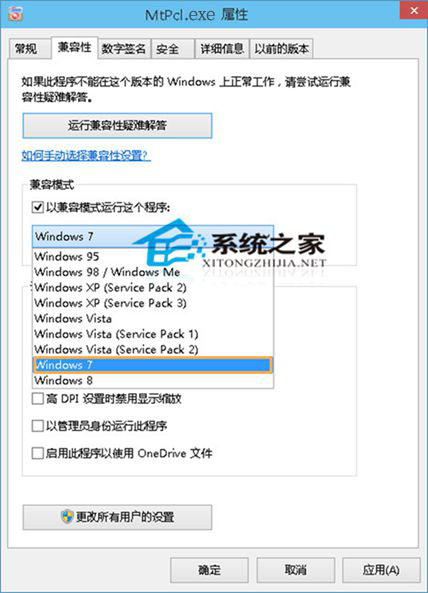
安裝程序雙擊後彈出:「此應用無法在你的電腦上運行」,常見於舊版軟件/未適配 Win10 的 Win32 應用。
Win10 升級預覽版 11099 出現 WSClient.dll 錯誤?禁用任務計劃 WSRefreshBannedAppsListTask 即可解決
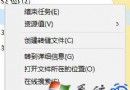
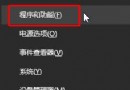
Windows 10 解除安裝程式四步驟:開始右鍵 → 程式與功能 → 右鍵選擇解除安裝 → 確認
Win10 應用程式商店下載的 App 存在哪裡?查看隱藏資料夾 WindowsApps 位置
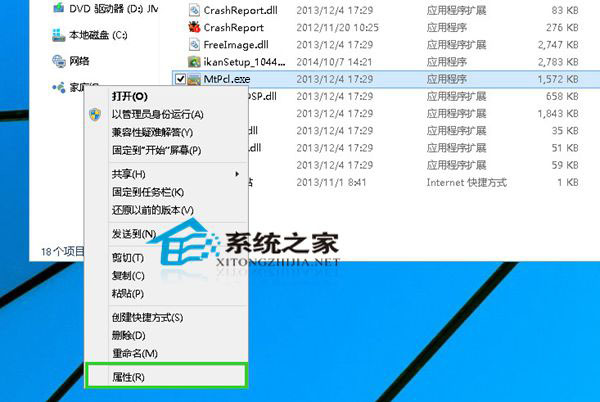
Win10 快速查看檔案屬性熱鍵是什麼?Alt+Enter 與 Alt+滑鼠雙擊兩大神技
Win10 開始選單全螢幕模式切換:一鍵放大/還原,找回 Win8 體驗