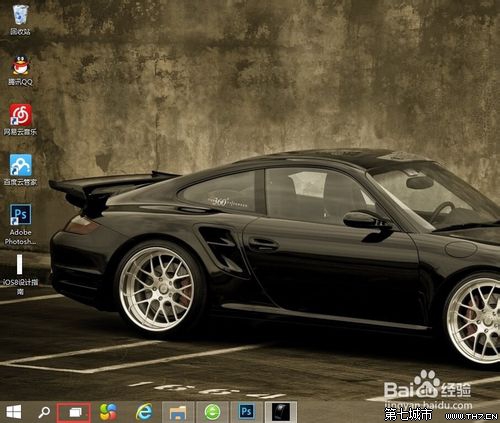
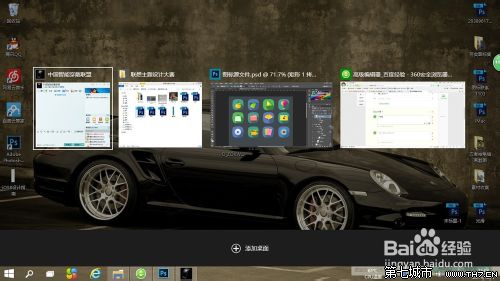
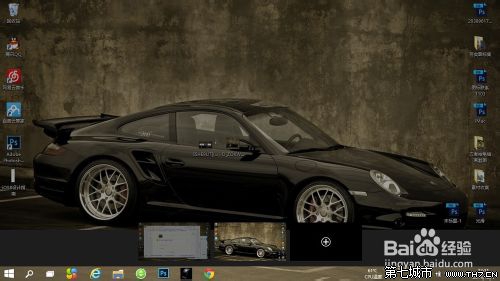
Win10 必知熱鍵指令大全:工作檢視、程式移除、登錄編輯器、顯示桌面一鍵直達
Win10 開機藍屏 0x0000001E 解決方案(含應用商店快取清除),百度經驗版
Win10 省電模式開啟與關閉:設定螢幕/睡眠時間、切換高效能/省電計劃
Win10 修改 Microsoft 帳戶顯示名稱完整圖文教學
Windows 10 圖片檢視模式怎麼改回 Windows 7 風格?設定預設應用程式為「Windows 照片檢視器」
Windows 10 工作列點擊無反應/假死?PowerShell 重新註冊 UWP 應用完整修復教學
Win10 Edge 瀏覽器 4 大實用技巧:固定分頁、擴充功能、閱讀檢視、效能優化
Win10 升級錯誤 0xC1900101-0x3000D 解決:卸載 NVIDIA 驅動 + 斷網升級 + 全新安裝備案