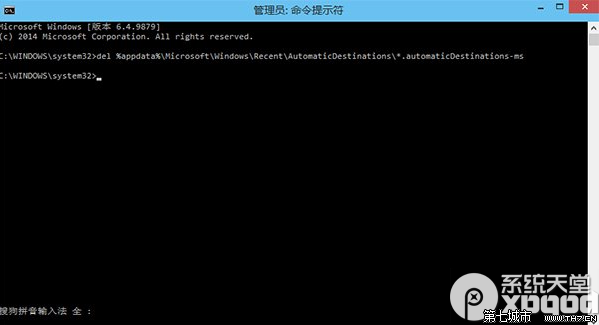
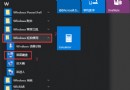
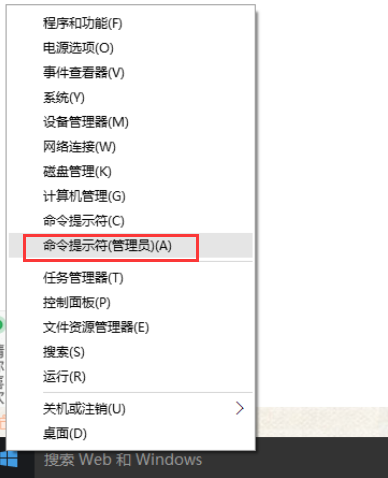
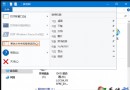
del %appdata%\Microsoft\Windows\Recent\AutomaticDestinations\*.automaticDestinations-ms
完成後,「主頁」的常用資料夾與最近使用檔案將恢復安裝預設狀態。
Win10 修改 Word 2010 預設儲存資料夾路徑
Win10 如何解壓縮檔案?系統無內建工具,需安裝 WinRAR/7-Zip 等第三方軟體
Win10 9926 工作列無法使用 Peek 預覽桌面?啟用「滑鼠移至末端顯示桌面按鈕」即可恢復
Win 10 32 位元執行 DNF 藍畫面錯誤代碼彙總與對應解決方案
Win10 安裝提示「這台電腦無法執行 Windows 10」?更新 BIOS 解決
Win10 Edge 瀏覽器將預設搜尋引擎改為百度/Google 完整教學
Win10 「快速啟動」灰色無法勾選?先開啟休眠功能再啟用
Win10 事件檢視器開啟與使用全攻略:快速定位系統錯誤日誌