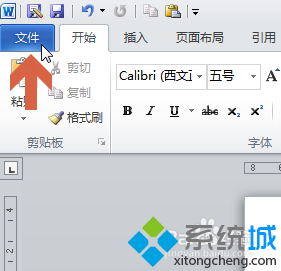
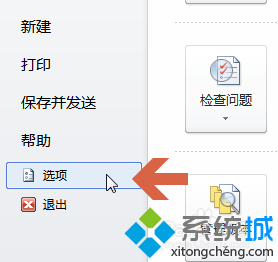
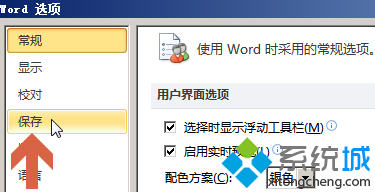
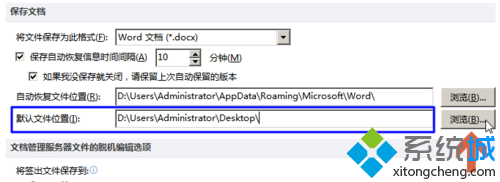
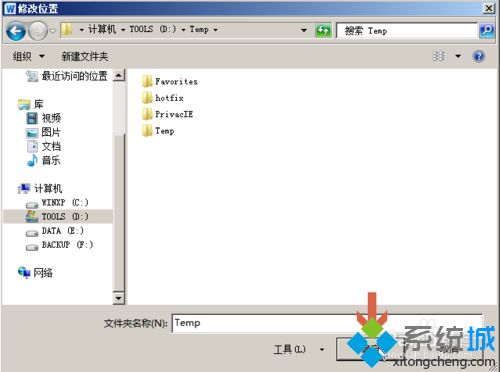
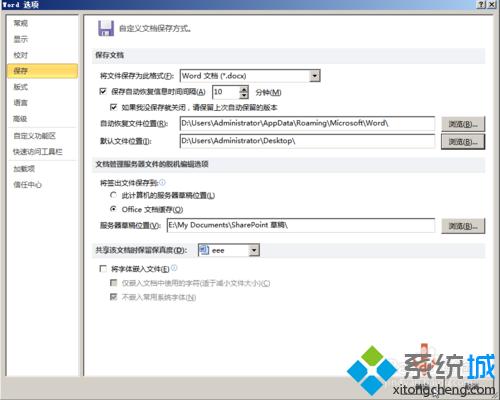
此設定僅影響 Word 2010,Excel、PowerPoint 需分別設定。路徑建議使用本地固定資料夾,避免網路磁碟離線導致儲存失敗。
Win 10 電腦看 iPhone 7 照片效果差?安裝 DCI-P3 設定檔並啟用 Windows 照片檢視器修復
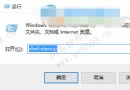
Win10 無法開啟群組原則編輯器 gpedit.msc?刪除有問題的 ADMX 檔案修復
Windows 10 正式版授權綁定裝置而非 Microsoft 帳戶 (裝置授權模式)
Win 10 查看工作組狀態提示系統錯誤 6118?關閉防火牆與啟用 Computer Browser 服務修復
Win10 右鍵選單/Win+X 選單「命令提示字元」變成 PowerShell?一鍵切回 CMD
Win10 移除桌面右下角版本水印:去水印工具 Remove all watermark 一鍵操作 (附副作用:系統屬性版本名稱消失)