透過匯入登錄檔(.reg),可快速設定 IE 首頁並鎖定,防止使用者或惡意軟體竄改。以下提供三組現成的登錄檔內容,複製存為 .reg 檔,雙擊匯入即可生效。
Windows Registry Editor Version 5.00

[HKEY_CURRENT_USER\Software\Microsoft\Internet Explorer\Main]
"Start Page"="https://www.baidu.com"
Windows Registry Editor Version 5.00

[HKEY_CURRENT_USER\Software\Policies\Microsoft\Internet Explorer\Control Panel]
"HomePage"=dword:00000000
Windows Registry Editor Version 5.00

[HKEY_CURRENT_USER\Software\Policies\Microsoft\Internet Explorer\Control Panel]
"HomePage"=dword:00000001
set_baidu.reg、allow_change.reg、lock_homepage.reg。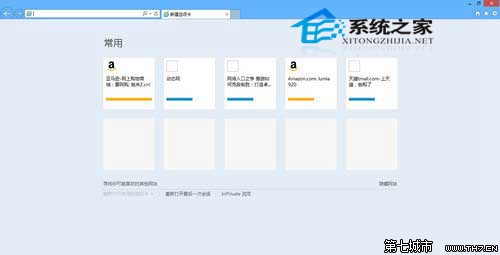
注意:登錄檔內容不含中文字元,路徑請使用反斜線 \。此法適用於企業環境統一管理瀏覽器首頁。