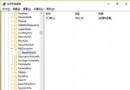
Win10 桌面預設無 IE 圖示,且個人化設定中無 IE 選項。透過匯入登錄檔可新增:
顯示IE.reg(類型選「所有檔案」)。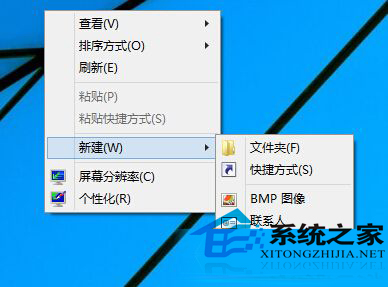
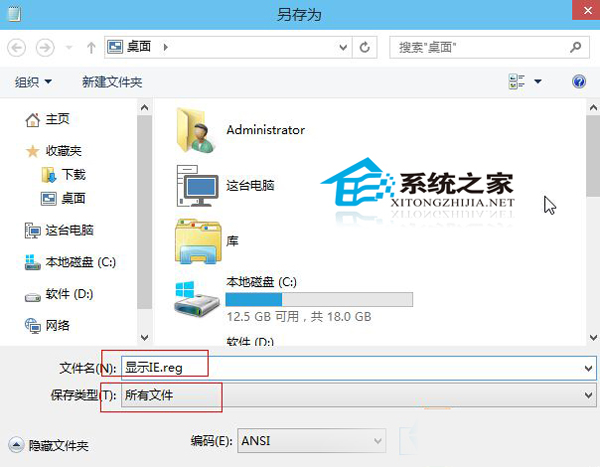

雖國產瀏覽器崛起,IE 仍有特定相容性需求,桌面圖示方便喚起。
Windows 10 內建 ZIP 壓縮/解壓縮功能完整教學 (右鍵選單操作)
Win10 玩英雄聯盟藍屏 tessafe.sys?六大排查方向與修復方案:殺毒衝突、記憶體相容、驅動、散熱、系統檔、檔案替換
Windows 10 預覽版 9860 升級教學:透過「預覽版本」立即檢查更新
Win10 手動啟用開始選單跳躍清單:登錄 EnableXamlJumpView=1 讓右鍵顯示最近開啟項目
Windows 10 滑鼠操作異音「嘟嘟」解決:關閉螢幕剪輯功能 (Win+S)
Win10 如何批次重新命名檔案?選取多檔 → 右鍵「重新命名」自動編號