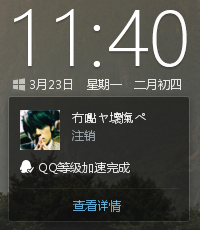
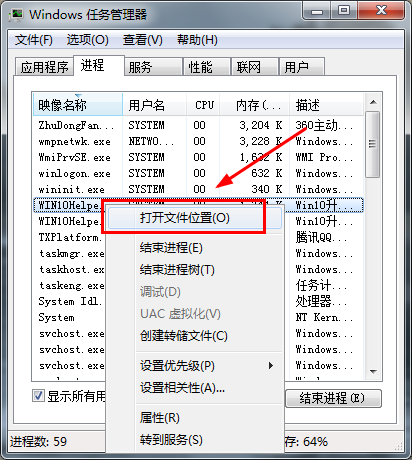
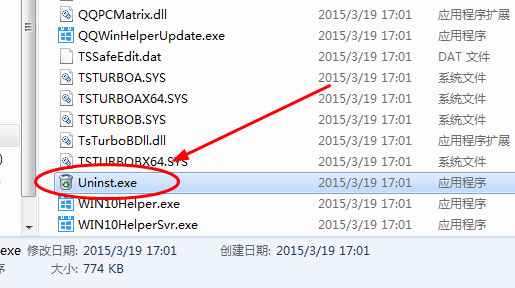
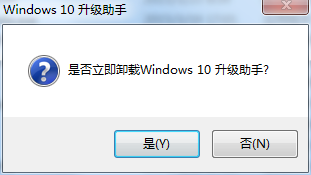
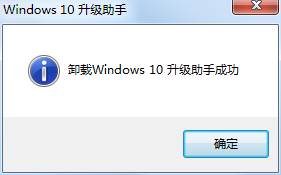
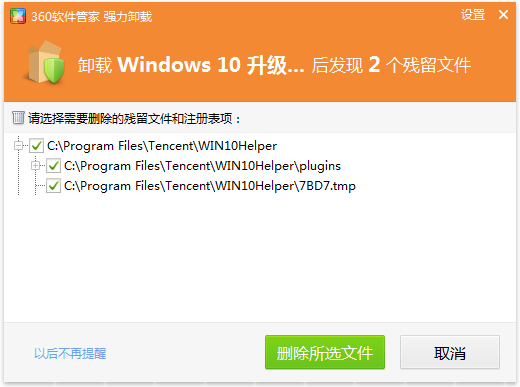
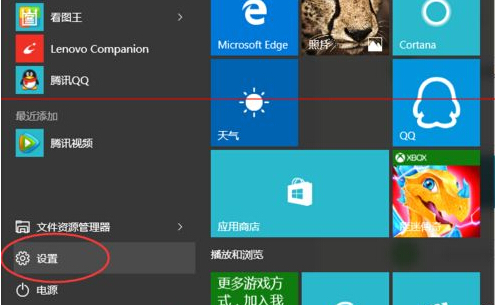
Win10 升級助手安裝後介面找不到解除安裝選項,實際解除安裝程式藏在安裝目錄。
WIN10Helper.exe
Uninst.exe
推薦改用 QQ 電腦管家加速版(整合升級助手),解壓執行 qqpctray.exe 登入 QQ 每日加速 1.2 天,體驗更輕量。
qqpctray.exe
Win10 用戶檔案搬家教學:手動移動、個人檔案轉移工具一鍵遷移
Windows 10 內建瀏覽器字體模糊/發虛解決方法:調整 DPI 縮放至 100%
Win10 查看應用程式安裝位置四大法:工作管理員、啟動項、桌面捷徑、開始選單
Win10 10102 桌面只有回收站?教你顯示「此電腦」、「文件」等常用圖示
Win10 關閉 OneDrive 同步設定:設定→OneDrive→檔案儲存/同步設定關閉
Windows 10 如何設定 WPS Office 為預設開啟程式?圖文步驟教學
Win10 更新歷程記錄消失?恢復顯示的關鍵服務檢查
Win10 工作管理員效能小視窗模式使用教學