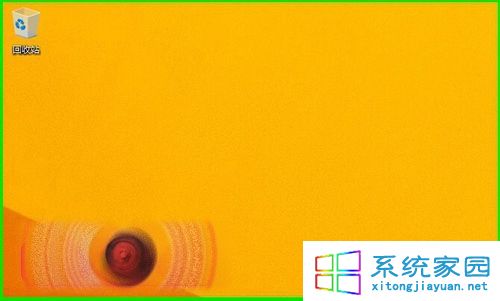
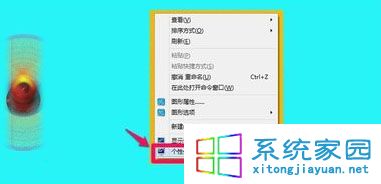
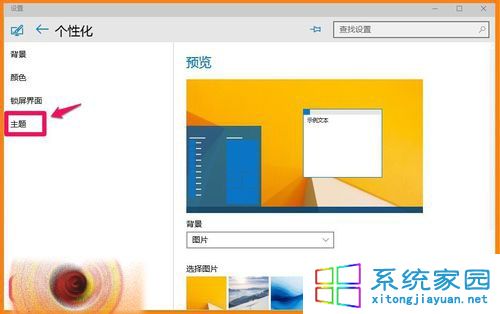
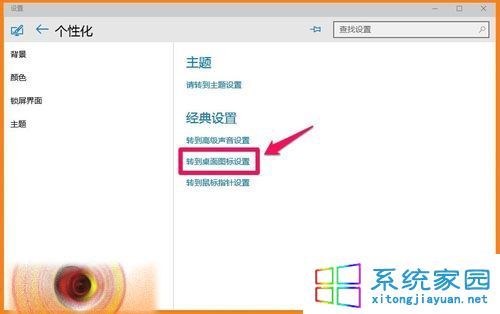
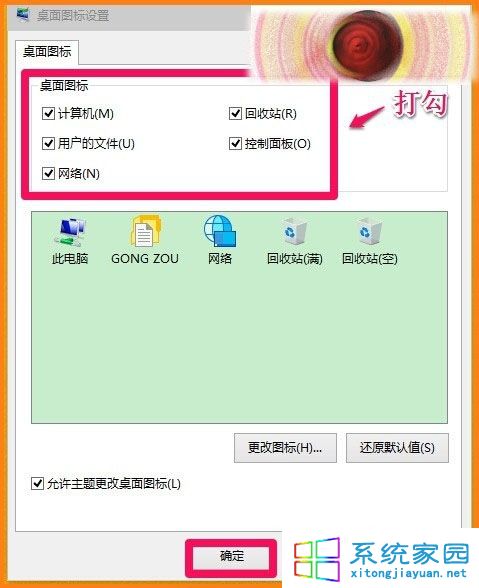
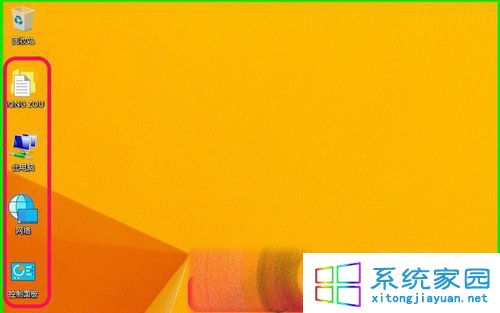
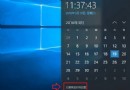
安裝 Win10 10102 後桌面僅剩回收站,缺少「此電腦」、「文件」、「網路」、「控制台」等圖示。依照以下步驟即可恢復:
方法同舊版 Windows,適應新版介面即可輕鬆完成。
Win10 開啟「系統屬性」視窗的三種經典方法
Win10 字體顯示模糊怎麼辦?自訂縮放設 100% 重登入修復
Win10 設定桌面背景自動輪播(投影片播放),無需第三方軟體
Win10 管理已知無線網路:刪除/修改儲存的 Wi-Fi 設定檔
Win10 如何將迅雷設為 360 瀏覽器預設下載工具?選項中直接切換
Windows 10 觸控板手勢操作完整指南:多點觸控與邊緣滑動
Win10 9926 工作列無法使用 Peek 預覽桌面?啟用「滑鼠移至末端顯示桌面按鈕」即可恢復
Win10 同步個人化設定:設定 → 帳戶 → 同步處理您的設定 → 開關與細項控制