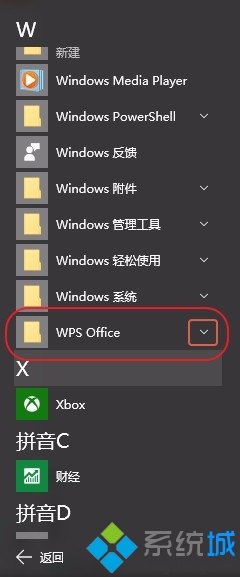
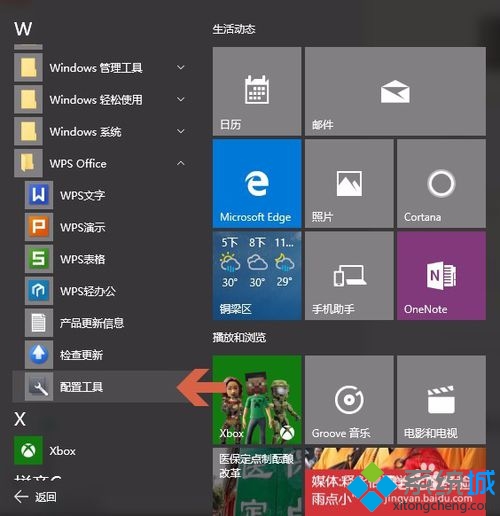
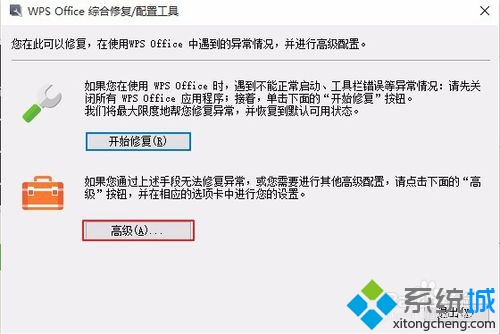
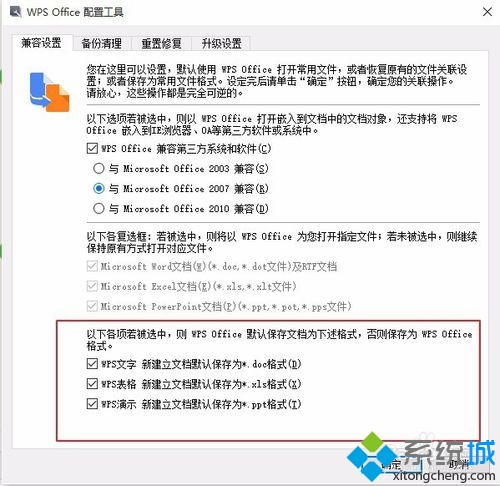
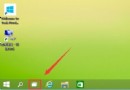
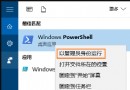
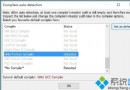
安裝 WPS Office 後,想將其設為文件預設開啟工具?透過 WPS 內建「配置工具」即可一鍵完成:
同樣適用於其他辦公軟體的預設關聯設定。
Windows 10 周年更新版 CLSID (GUID) 完整參考指南
Windows 10 無法播放 RMVB 影片解決:更新暴風影音最新版或改用 QQ 影音
Windows 10 專業版升級企業版教學:使用 KMS 金鑰原地升級
Win10 DVD 播放器常見 6 大問題與解決辦法整理
Win10 家庭版 Edge 瀏覽器無法開啟?調整 UAC 等級即刻修復
Win10 檔案總管顯示樹狀目錄:兩種方法啟用「展開到目前資料夾」
Win10 更新後攝影機無法使用?修改登錄檔啟用 Frame Server Mode 解決相容性問題
Windows 10 找回 Internet Explorer 11 瀏覽器:啟用 Windows 功能完整教學