Win10 升級後 C 槽暴增佔用,主因是自動生成 Windows.old (含舊系統文件) 供回滾,約 10-15GB。右鍵無法直接刪除,需用「磁碟清理」。
Windows.old)。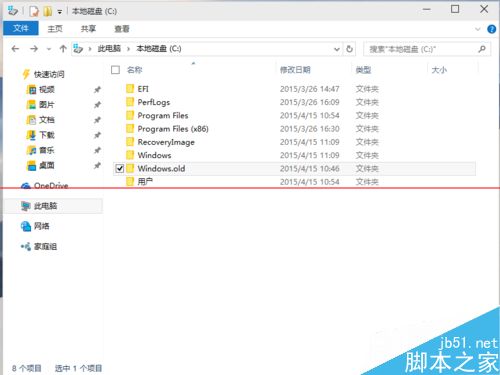
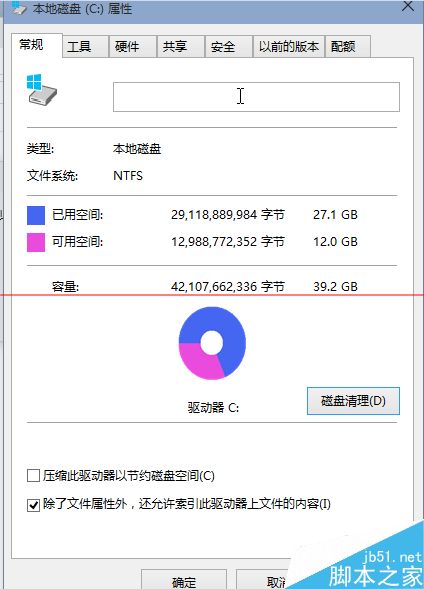
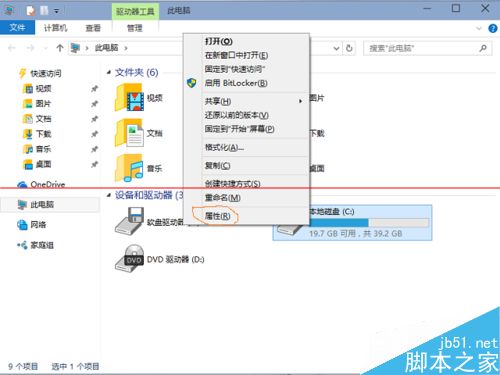
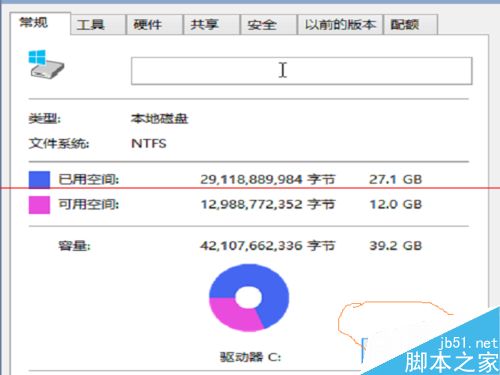
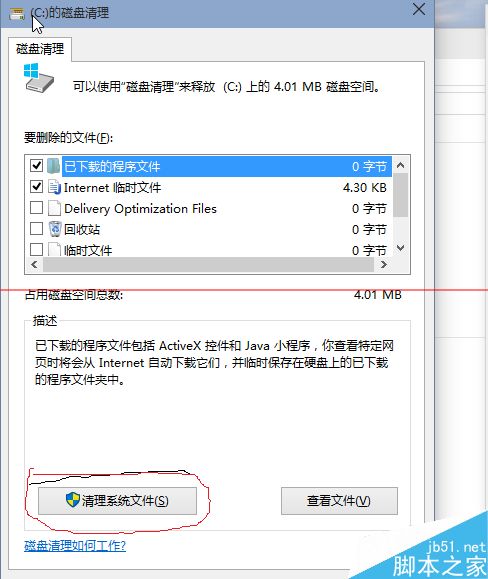
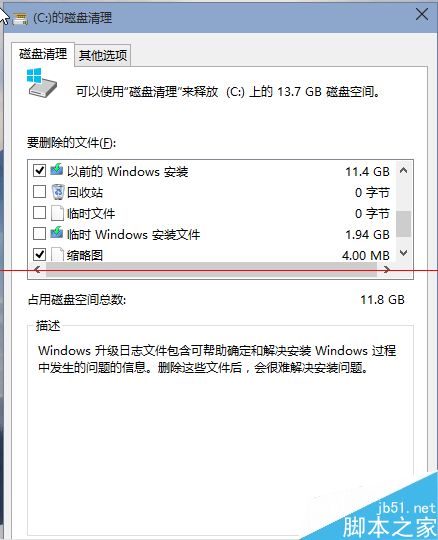
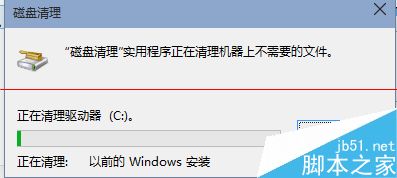
清理 Windows.old 後無法回滾到舊版本,確認新系統穩定、無需回退再操作。
Win10 近期預覽版升級多為「全新安裝模式」 (下載完整 Image),故每次升級都會生成新的 Windows.old,空間壓力大,定期清理必要。
Windows 10 桌面圖示太大/太小怎麼調?右鍵「檢視」三種尺寸任意切換
Win10 斯巴達瀏覽器啟用與體驗:IE11 about:flags 開啟 Edge 引擎、Project Spartan 現代應用獨立運行、Cortana 整合、閱讀模式、標註收藏
Windows 10 Build 10074 暗黑模式啟用教學:登錄修改法
Win10 技巧:將「執行」釘選至開始選單 — CLSID/GUID 建立捷徑法
Windows 10 SVN 圖示覆蓋層不顯示:註冊表 ShellIconOverlayIdentifiers 優先順序調整法
Windows 10 寬頻撥號連線在哪?控制台網路連線 / 工作列網路圖示 / 建立桌面捷徑三種找法