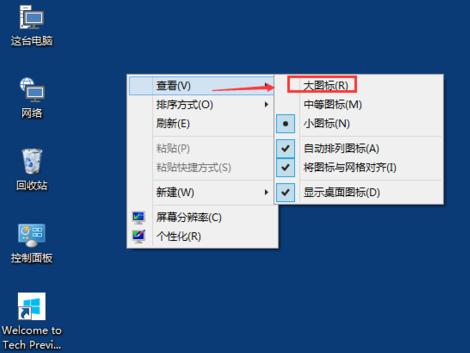
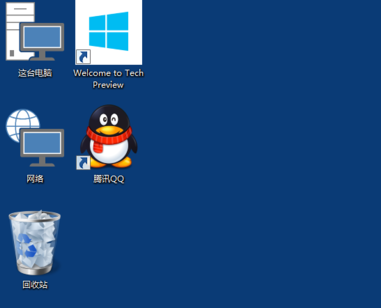
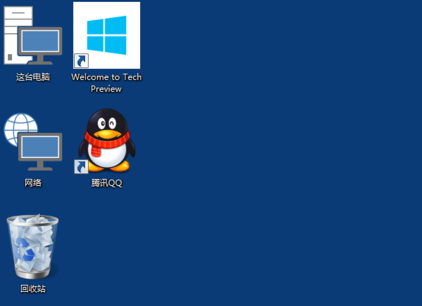
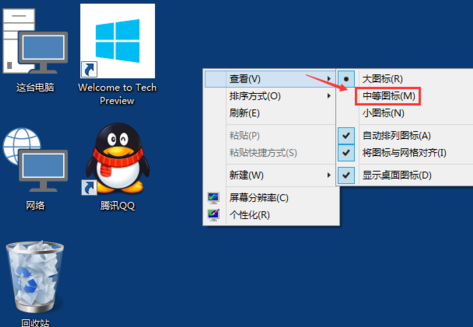
亦可按住 Ctrl 滾動滑鼠滾輪自由縮放圖示大小(支援更細粒度調整)。
Win10 Xbox 應用程式新增電腦遊戲完整教學
Win10 9926 「設定」應用完整介紹:取代控制台的新管理中樞
Win10 無法更新至 Build 10041 常見錯誤與解決方案
XP/Win7/Win8 一鍵免費升級 Win10 完整教程:360 與騰訊雙管道
Win10 睡眠喚醒需輸入密碼:登入選項設定保護隱私安全
Win10 開啟群組原則提示「MMC 無法建立管理單元」修復環境變數 Path
Win10 筆電拔掉電源螢幕變暗?電源計畫設定「高效能」並調整亮度滑桿
Win10 字體大小調整三法:縮放設定、更換字體、放大鏡工具