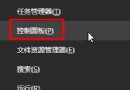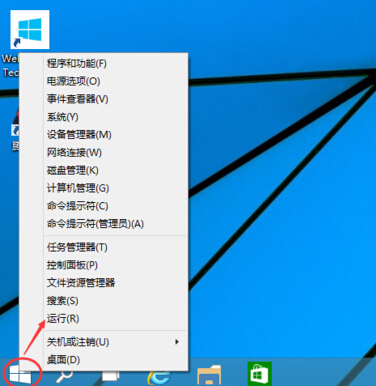
netplwiz → 確定。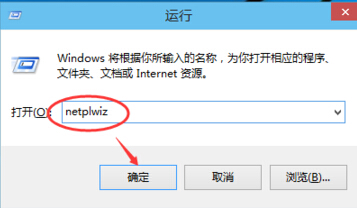
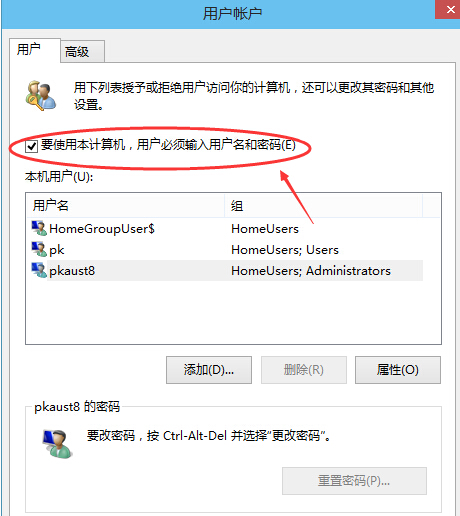
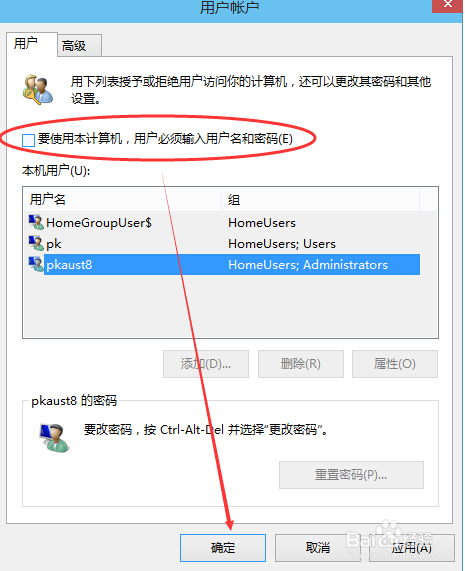
僅建議個人獨用電腦啟用,共用/攜帶型裝置請保留密碼保護資料安全。
Win10 工作列圖示點擊無反應?四大修復方案:重啟總管、PowerShell 重註冊、關閉常用清單、建立新用戶
Windows 10 瀏覽器顯示亂碼解決方法:修改 User Agent 模擬 IE9
Win 10 任務列不顯示 QQ 圖示?設定「選擇在任務列顯示的圖示」找回
Win10 Build 10061 更新內容完整版:全新郵件/行事曆、開始選單透明化動態配色、平板模式優化、任務視圖/虛擬桌面增強
Win10 桌面壁紙模糊不清怎麼辦?修改登錄檔關閉 JPEG 壓縮提升畫質
Win10 Edge 瀏覽器無法下載檔案?關閉迅雷極速版「監視 Edge」即可