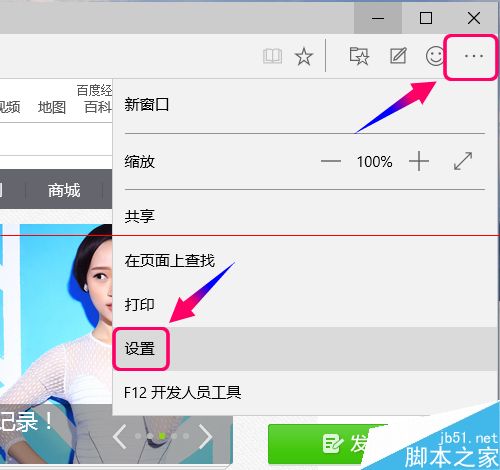
Win10 10041 版後預設瀏覽器改為 Microsoft Edge(原 Project Spartan)。設定入口:右上角 ... 選單 > 「設定」。
設定主頁
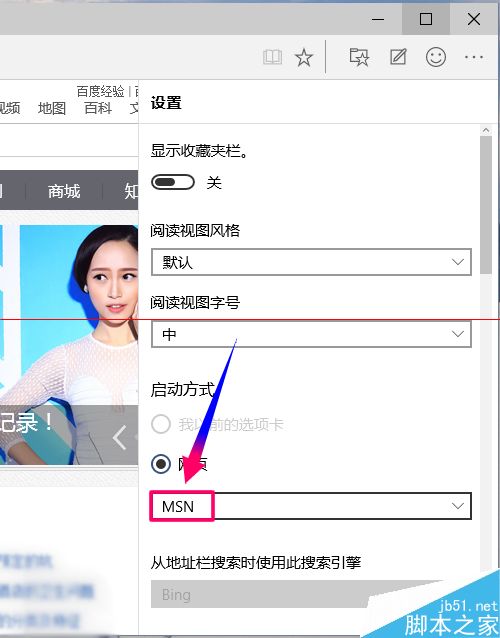
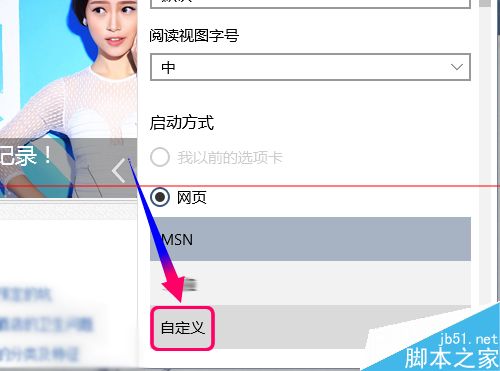
- 設定頁面下拉至「網頁」區塊(即主頁設定)。
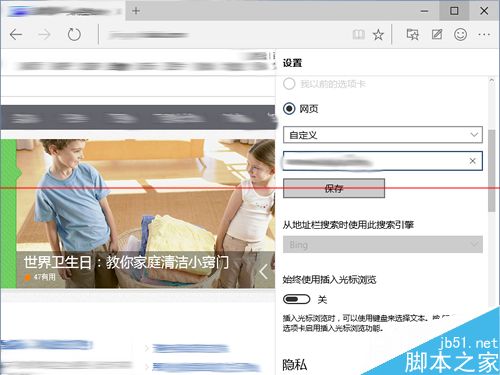
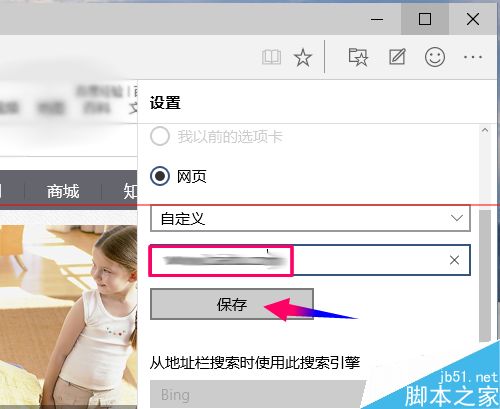
- 下拉選單選第三項「自訂」,輸入網址儲存。
清除瀏覽資料
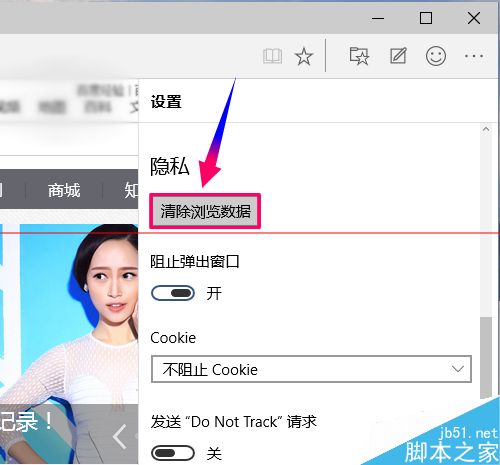
- 設定中找到「隱私權」> 「清除瀏覽資料」。
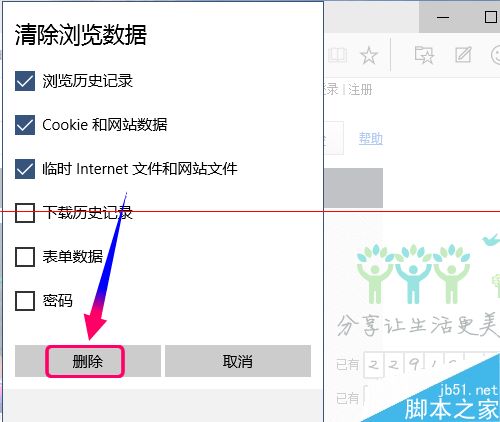
- 勾選需清除項目 > 「刪除」。
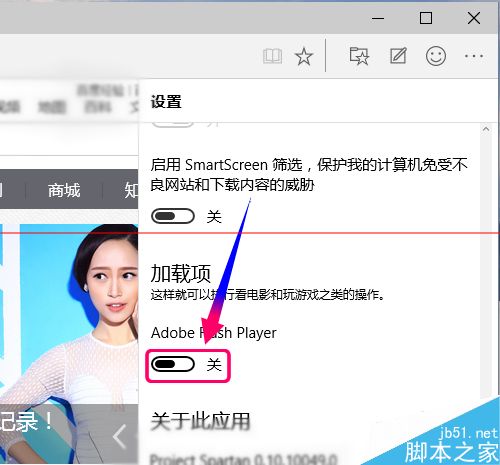
啟用 Flash Player
- 設定最底部找到「Adobe Flash Player」開關,設為啟用。
- 重新開啟 Edge 即可播放 Flash 內容。
Edge 設定簡單直觀,常用功能一覽無遺。