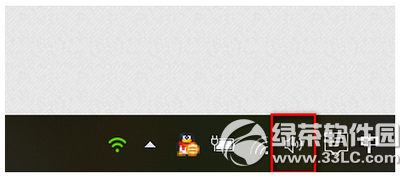
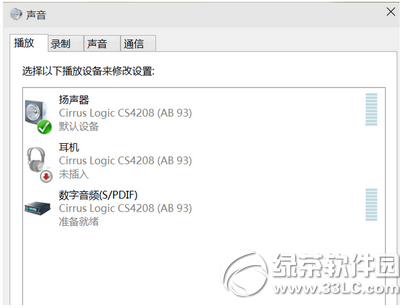
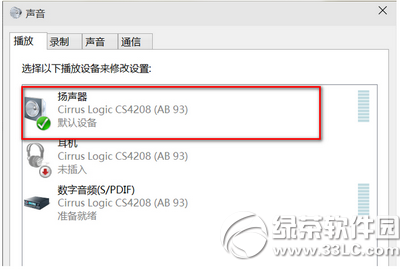
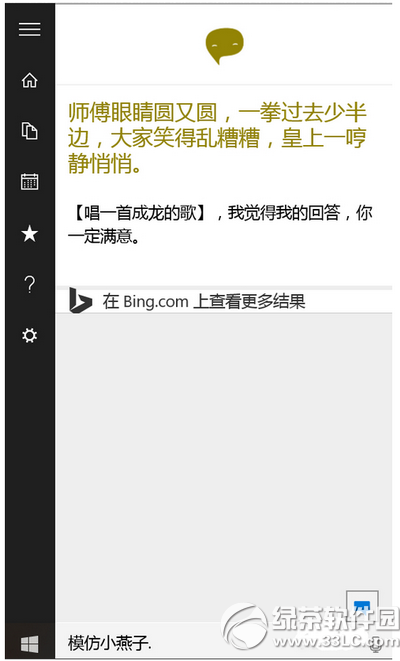
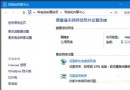
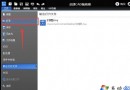
Cortana 無聲音通常是預設播放裝置設定錯誤。修正方法:
確認預設裝置正確後,Cortana 語音回應即可恢復正常。
Win10 Build 14379 更新內容(同 21227 完整版)
Windows 10 開始菜單無法開啟?PowerShell 一鍵修復指令
Windows 10 啟用「受限制的定期掃描」Windows Defender 功能教學
Win10 系統管理員帳號無法開啟程式?修改登錄 FilterAdministratorToken 解除限制
Win10 裝置管理員找不到網路介面卡?完整排查與硬體重置法
Win10 系統中 .srt 檔案是什麼?字幕檔用途與使用教學
Win10 Mobile 預覽版 10549 更新內容與修復彙整
Win10 升級遇到錯誤 0x80070002?停用第三方服務法