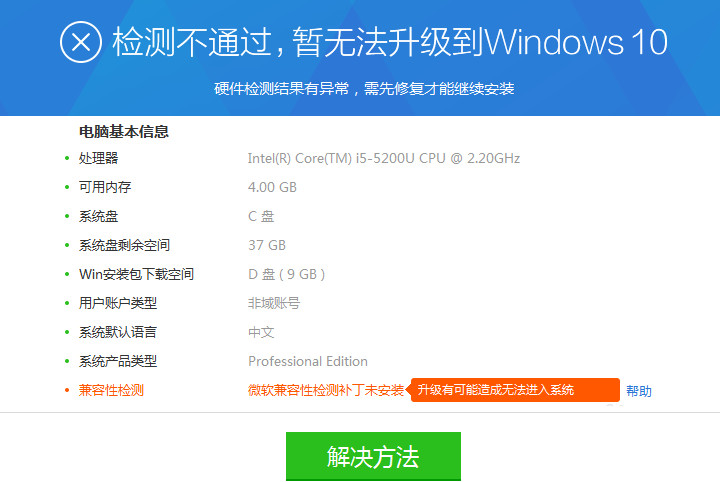
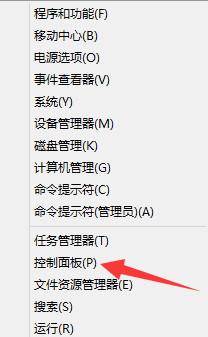
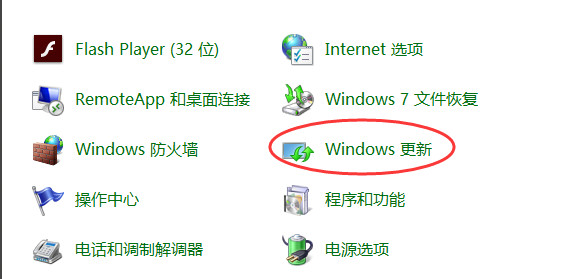
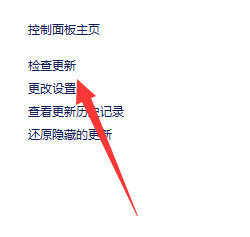
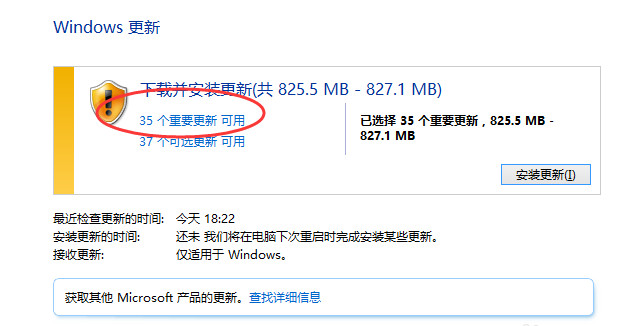
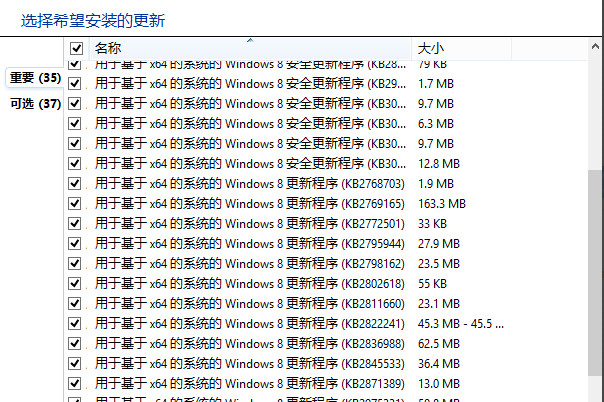
想升級 Win 10 卻卡在兼容性檢測?錯誤主因在於缺少 KB2952664 相容性更新補丁。此補丁需安裝後持續監測系統約 7 天,微軟伺服器分析通過後才會判定相容。
提醒:若已安裝補丁但仍報錯,代表補丁尚未生效,請繼續等待;切勿重複安裝。硬體條件建議:2012 年後出廠、處理器/顯卡/記憶體規格達標、驅動與常用軟體相容性良好。
Edge 匯入 IE 我的最愛完整教學:正常匯入 + 失敗救援方案
Win10 啟用夜間模式/深色模式:註冊表修改 AppsUseLightTheme 保護視力
Win10 資料夾圖示雙藍箭頭清除:同 ID 22475 取消壓縮/加密屬性
Win10 內建畫圖合併兩張圖片:零第三方軟體,拖曳調整輕鬆拼圖
Win10 Cortana (小娜) 沒聲音?教你恢復語音回饋
Win10 更新後跳出 WSClient.dll 錯誤?一招重置應用商店完美解決
Win10 玩遊戲怎麼樣?DirectX 12、虛擬桌面、分螢幕提升體驗
Win10 快速開啟 Hosts 檔案?執行 notepad 指令直接編輯