Windows 10 執行舊版軟體遇到不相容、閃退、安裝失敗,可透過「相容性」頁籤設定以 Windows XP 模式執行,大幅提升相容成功率。
操作步驟
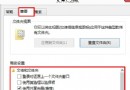
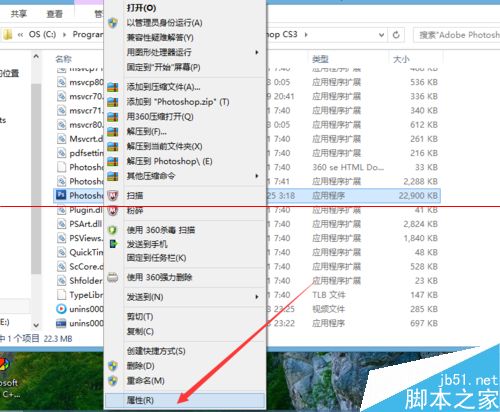
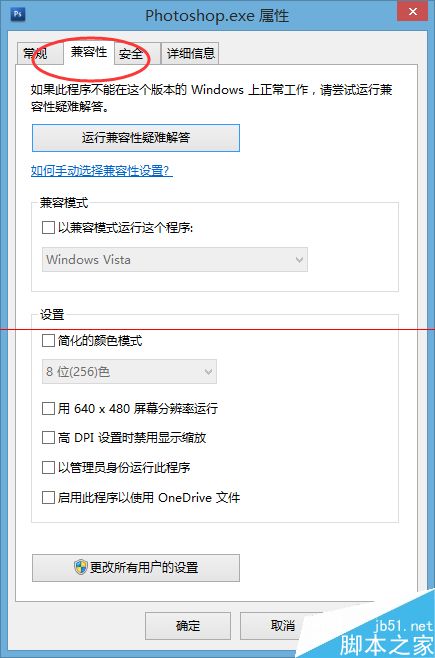
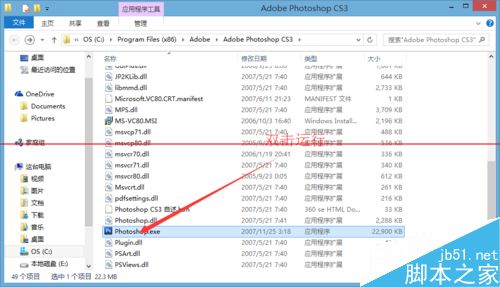
- 找到安裝程式(.exe)或捷徑 → 右鍵「內容」。
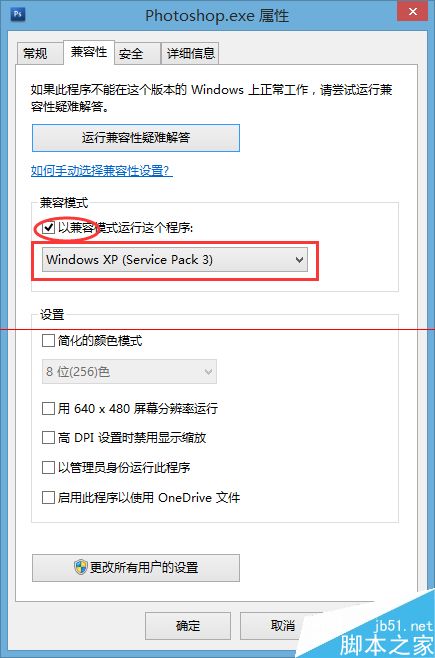
- 「相容性」頁籤 → 勾選「以相容模式執行這個程式」。
- 下拉選單選「Windows XP (Service Pack 2)」或「Windows XP (Service Pack 3)」。
- 確定套用,再次執行程式。
進階選項
同頁籤可同時勾選:
- 「以系統管理員身分執行此程式」(解決權限不足)。
- 「停用全螢幕最佳化」(解決遊戲全螢幕閃爍)。
- 「覆寫高 DPI 縮放行為」(解決高解析度螢幕介面模糊)。
適用對象
- 早期 Windows XP/7 時代的舊版軟體、遊戲。
- 未更新支援 Windows 10 的企業內部系統。
- 16 位元舊程式(需 32 位元 Windows 10 且啟用 NTVDM)。