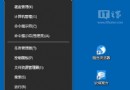
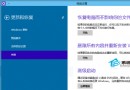
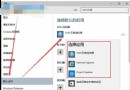
數字小鍵盤輸入數字變成移動滑鼠游標,誤開啟「輕鬆存取」→「滑鼠」→「使用數字小鍵盤在螢幕上移動滑鼠」導致。關閉即可還原。

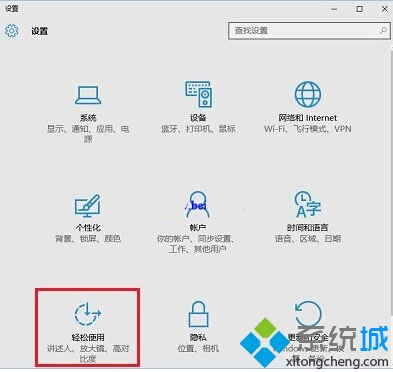
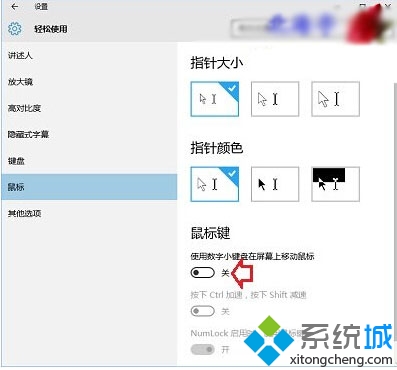
觸發原因: 意外按下 Left Alt + Left Shift + NumLock 熱鍵組合啟用此功能。該功能專為無滑鼠環境設計,開啟後數字鍵 8/4/6/2 對應上/左/右/下移動,5 對應點擊。關閉後恢復正常數字輸入。
Win10 Build 10159 啟用 Hyper-V 虛擬機器完整圖文教學
Windows 10 一鍵關閉所有程式:建立 taskkill 捷徑排除 explorer 與 dwm
Win10 正式版北京時間 7/29 中午 12 點發布:Insider 會員優先、免費升級政策詳解
Win10 忘記登入密碼?利用 Sticky Keys 替換法在系統層級重置密碼(無需 PE、無需舊密碼)
Windows 10 激活工具與金鑰大全:官方安裝金鑰、KMSpico、HEU KMS Activator、小馬 OEM8 使用指南