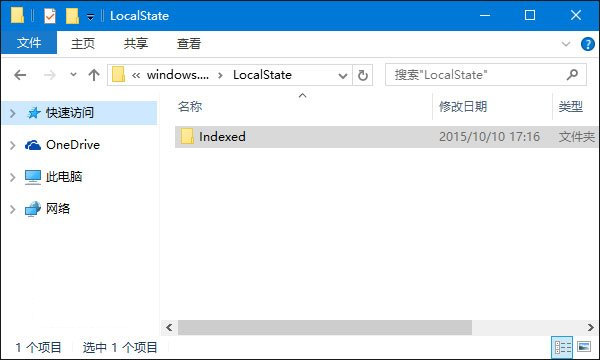
%LocalAppData%\Packages\windows.immersivecontrolpanel_cw5n1h2txyewy\LocalState
Win10 手機伴侶 是什麼?支援 iOS/Android/WP 跨裝置同步音樂、檔案、照片、Office 協作
Win10 還原誤移除的內建應用程式:PowerShell 一鍵重註冊
Win10 關閉圖片快取自動壓縮功能:修改登錄提升開圖速度
Win10 10586.318 累積更新出現 Bug:導致電腦運行緩慢,微軟建議暫時關閉 Cortana
Win10 更新 KB3081424 安裝失敗怎麼辦?手動下載與註冊表清理解決
Win10 利用 Windows Defender 離線掃毒製作 USB 開機殺毒碟
Win10 Edge 瀏覽器 4 大實用技巧:固定分頁、擴充功能、閱讀檢視、效能優化
Win10 開啟軟體提示 OpenCL.dll 損壞/遺失?重裝顯卡驅動或手動替換檔案修復