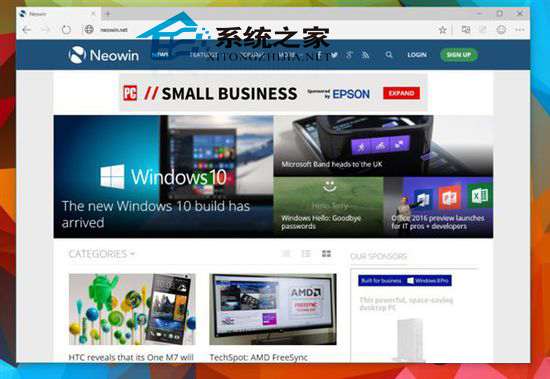
早期 Spartan/Edge 預設搜尋引擎鎖定 Bing,若習慣 Google 搜尋,需透過登錄檔修改:
Google.reg
還原 Bing: 下載 Default.reg 匯入並重啟 Edge 即可恢復預設。
Default.reg
國內使用者注意: Google 搜尋在中國大陸需透過科學上網才能正常使用,請評估網路環境後再決定是否切換。
Win 10 Build 9879 藍畫面 0xAB 問題:微軟釋出 KB3019269 修補程式
Windows 10 移除桌面捷徑小箭頭的三種實用方法
Win10 開啟瀏覽器雲端同步:多裝置書籤、密碼、設定無縫漫遊
Win10 如何關閉自動更新?透過計費連線限制更新下載
Win10 提升 Intel 核顯性能?透過顯示晶片控制面板調教 3D/媒體/電源設定
Win10 快速開啟已安裝應用程式檔案位置的四種方法:桌面捷徑、開始選單、工作管理員、啟動項
Win10 資料夾出現藍色雙箭頭?取消 NTFS 壓縮/加密屬性恢復正常圖示
Win10 開機提示「裝置處於離線狀態」?改用本地帳號登入即解