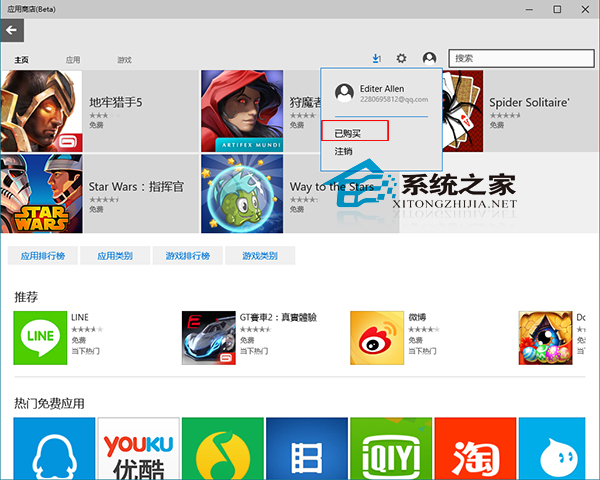
Microsoft Store 購買的應用程式(含免費/付費)皆記錄在帳戶中,重裝系統或換裝置時可快速找回:
家庭共享亮點: 同一裝置登入不同 Microsoft 帳戶,即可安裝其他帳戶購買的應用程式,無需重複購買,適合家庭共用裝置情境。
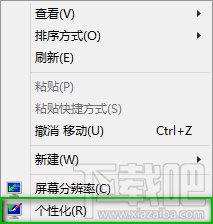
Win10 關閉開始選單/工作列/動作中心透明效果:登錄表一鍵切換純色風格
Windows 10 呼叫內建 IE11 瀏覽器教學:從 Edge 切換至 IE 相容模式
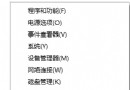
Win10 怎麼看顯卡驅動版本?裝置管理員 3 步驟快速查詢
Win10 任務列圖示太小?取消「使用小任務列按鈕」一鍵放大
Win10 聲音忽大忽小?驅動人生修復聲卡驅動完整教學(含截圖)
Win10 週年更新開始選單無法關機?微軟確認 Bug,Win+X 或 Alt+F4 替代
Win10 開始選單自訂:新增或移除常用資料夾捷徑
Windows 10 設定自動關機完整教學:工作排程器建立定時關機任務