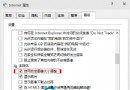
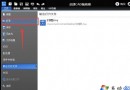
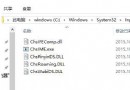
已解除安裝的程式圖示仍殘留在通知區域 (系統匣)?刪除註冊表 TrayNotify 下的 IconStreams、PastIconsStream 並重啟 Explorer 即可徹底清除。
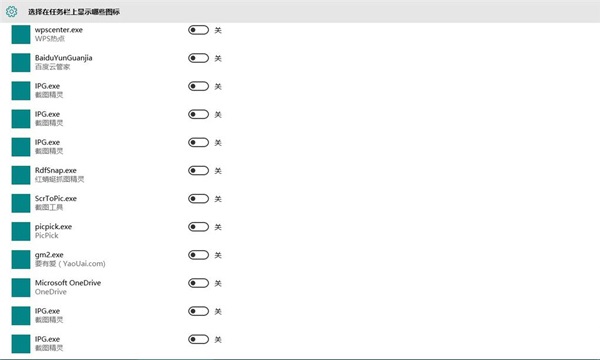
regedit → 瀏覽至:HKEY_CLASSES_ROOT\Local Settings\Software\Microsoft\Windows\CurrentVersion\TrayNotifyIconStreams 和 PastIconsStream 兩個值。explorer.exe → 右鍵「結束工作」。explorer → 確定。通知區域殘留圖示即消失。此問題因軟體解除安裝未正確清理註冊表導致。
Windows 10 查看已連接 Wi-Fi 密碼兩大法:圖形介面 / 無線路由器後台
Win10 技術預覽版 Build 9926 普通用戶適合安裝嗎?深度評測與建議
Win10 自訂開機歡迎語:群組原則設定互動式登入訊息標題與文字
Windows 10 企業版與 LTSB/LTSC 版本差異詳細對比:無 Edge、無 Cortana、無應用商店、完全手動控制更新
Win 10 解除安裝程式在哪?控制台與設定 App 雙管道快速移除軟體
Win10 RS2 14905 無法正常關機?官方 Bug 與替代方案