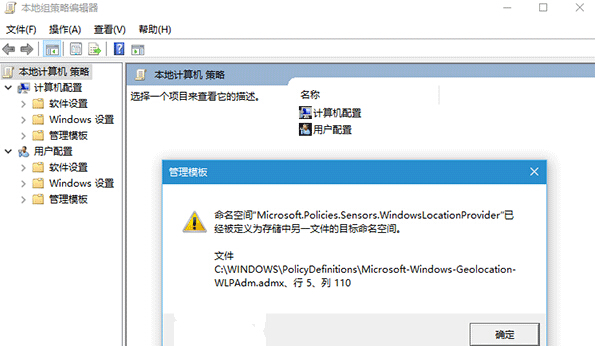
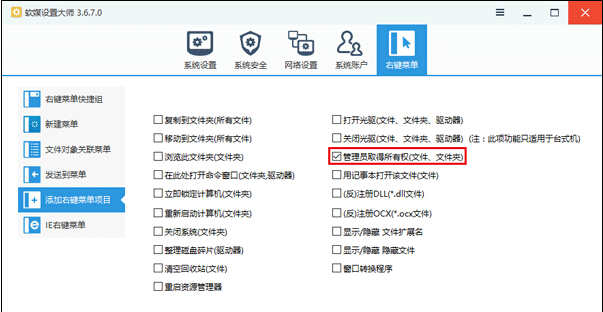
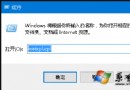
開啟 gpedit.msc 提示「命名空間……已被定義為存儲中另一文件的目標命名空間」。刪除衝突的 ADMX 檔案即可修復。
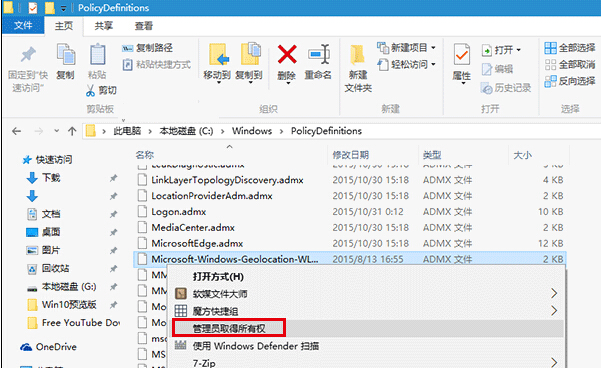
C:\Windows\PolicyDefinitions
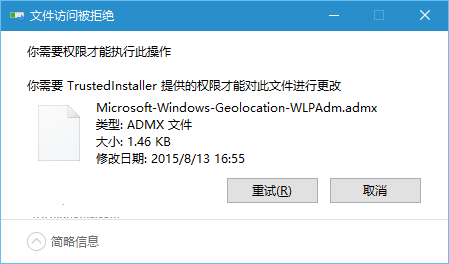
Microsoft-Windows-Geolocation-WLPAdm.admx
刪除後重開 gpedit.msc 錯誤消失。此問題常因 Windows 更新累積導致 ADMX 版本衝突。
Windows 10 內建輸入法輸入頓號(、):反引號鍵 ` 而非斜線 /
Windows 10 相容性測試:超越 Windows XP,完美支援 Win 7 應用,遊戲相容性極佳
Win10 禁止新安裝應用彈出「新應用程式」提示註冊表教學
Win10 提示「IME 已停用」無法輸入中文怎麼辦?執行 SFC 掃描或升級新版本修復
Win10 Snap 分螢幕完整指南:二/三/四分螢幕、任意比例調整、鍵盤快速鍵
Win10 開始選單不見了?工作列屬性→勾選「使用開始選單」重登入
Windows 10 關閉 Windows SmartScreen 篩選器:三步驟停用應用聲譽防護
Win10 一鍵開啟「上帝模式」:查看所有系統設定的隱藏資料夾建立法