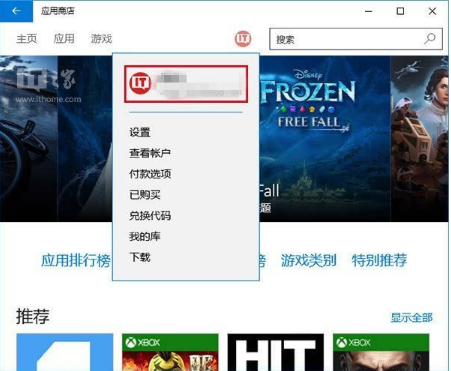
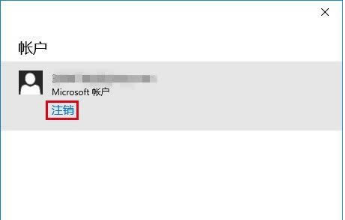
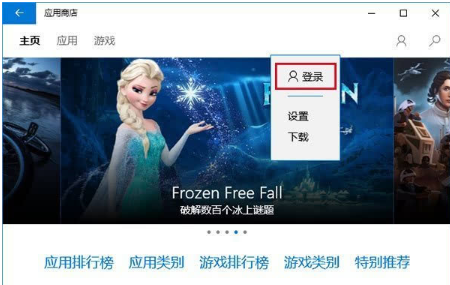
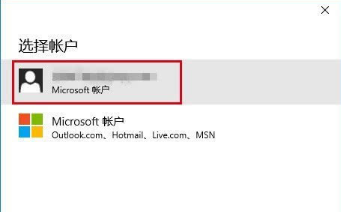
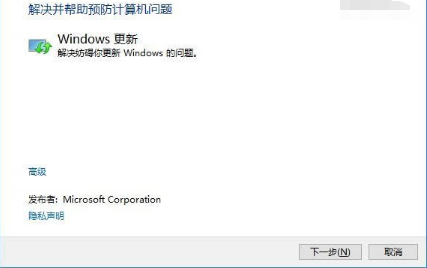
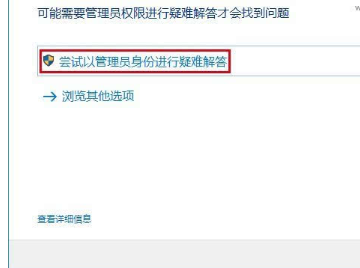
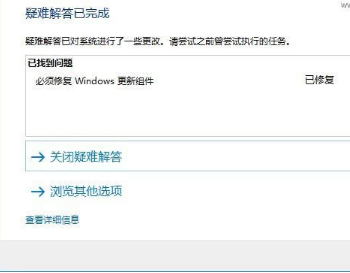
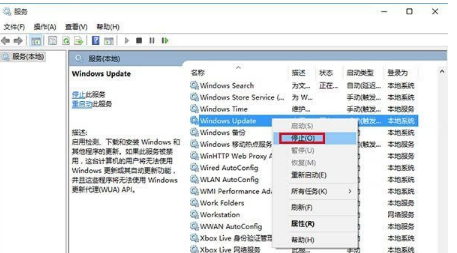
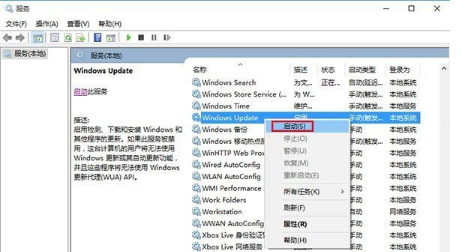
Win10 應用程式商店下載失敗、閃退、卡住?微軟官方提供四種解決方案,從重新登入、重置快取、疑難解答到重置更新元件,依序嘗試。
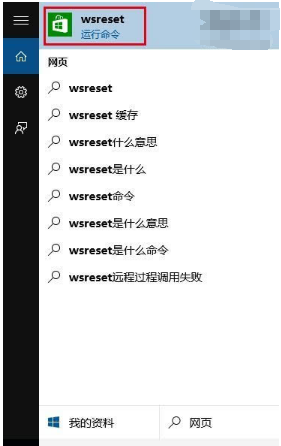
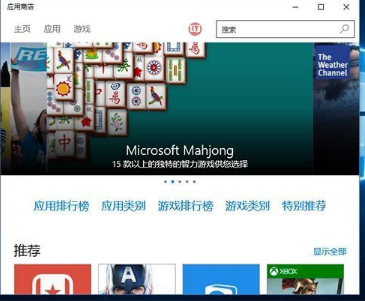
wsreset
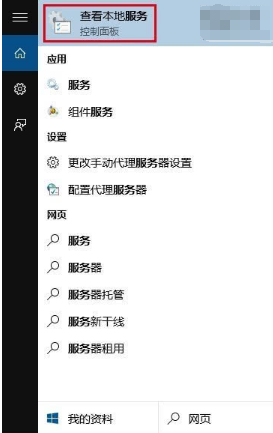
services.msc
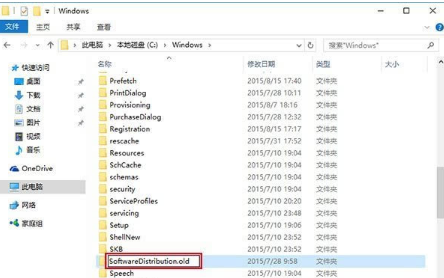
C:\Windows\SoftwareDistribution
SoftwareDistribution.old
建議依序嘗試方法一至三,多數問題可解決。方法四較激進,前三法無效時再使用。
Win10 TH2 更新失敗/卡住?同 10 大標準排除方案
Win10 升級錯誤 0x80070002:找不到 boot.wim 解決方法
Windows 10 付費應用推廣碼功能上線:開發者每半年可生成 250 組碼
Windows 10 Edge 最小化後無聲音:隱私權設定開啟 Edge 背景應用程式權限
Windows 10 Build 10074 開始選單任意調整大小:滑鼠拖曳邊緣即時縮放
Windows 10 啟用「受限制的定期掃描」Windows Defender 功能教學
Win10 桌面圖示不見了?一鍵找回「此電腦」、「回收筒」等系統圖示
Windows 10 「此電腦」導覽窗格隱藏「程式庫」資料夾