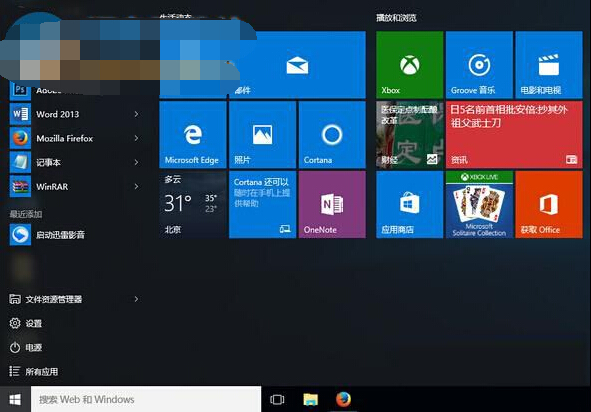
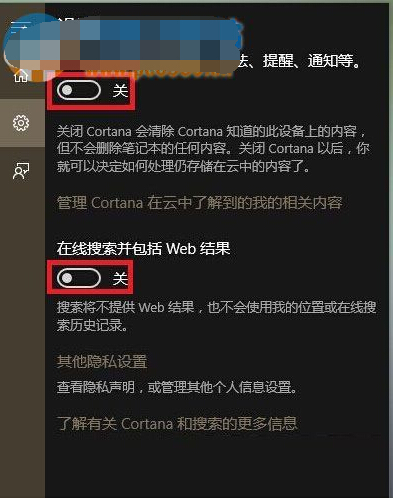
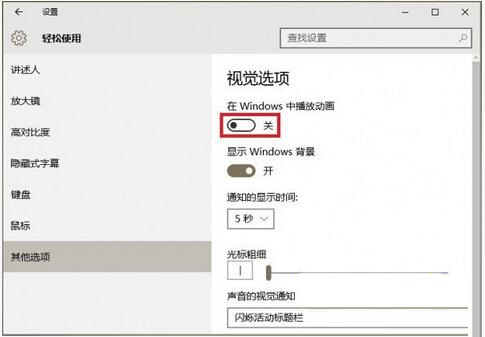
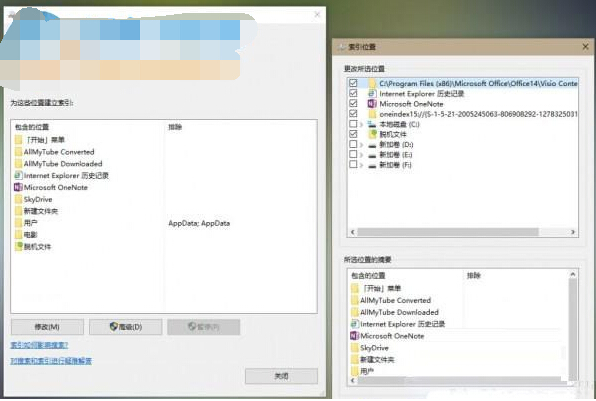
動態磁貼過多、Cortana 雲端搜尋、開關動畫、檔案索引均會拖慢開始功能表,四招組合優化。
組合套用後開始功能表響應明顯加快。
Win10 10074 「個人化」打不開提示無關聯程式:重複文章同 24580
Windows 10 未啟用狀態下的桌面美化:更換背景與主題色同步
Win10 記事本無回應未儲存怎麼辦?右鍵「編輯」開啟新視窗搶救記憶體資料
Windows 10 關閉休眠/睡眠:五步設定讓電腦永不待機
Win10 開機失敗 0xc0000428?進入進階啟動停用驅動程式強制簽名
Win10 任務列透明化效果進階設定教學
Win10 應用商店下載程式儲存位置在哪?顯示隱藏 WindowsApps 資料夾查看
Win10 桌面捷徑建立教學 (部分重複 ID 21469):以數學輸入面板為例示範完整流程