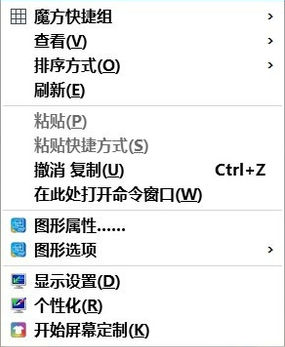
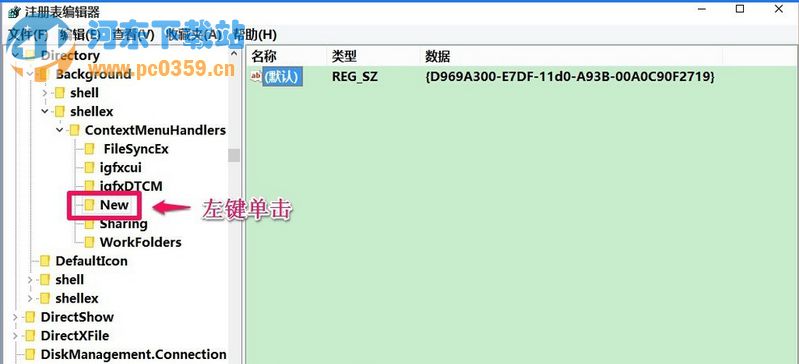
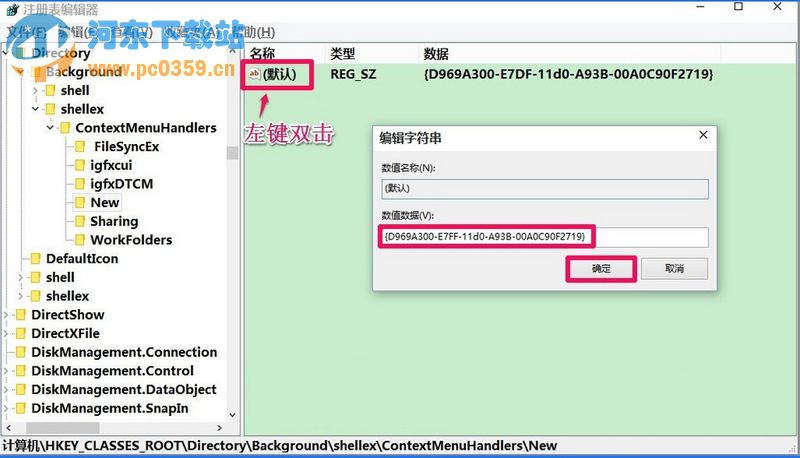
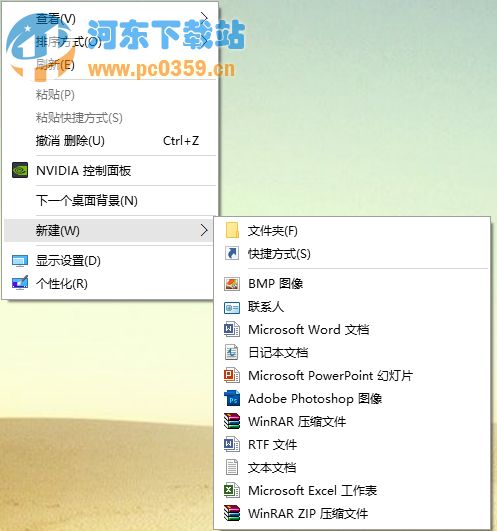
右鍵新增選單消失「資料夾」,因 ContextMenuHandlers\New 預設值 GUID 錯誤,修正即可恢復。
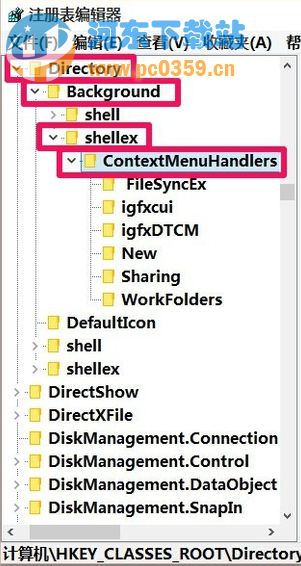
ContextMenuHandlers\New
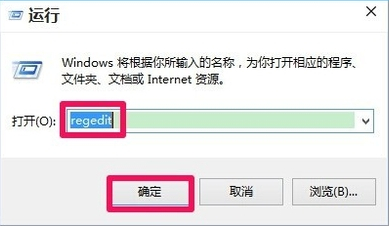
regedit
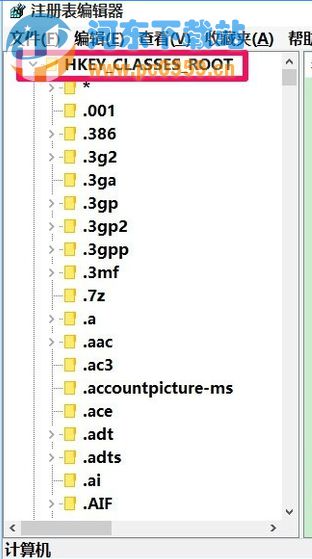
HKEY_CLASSES_ROOT\Directory\Background\shellex\ContextMenuHandlers\New
{D969A300-E7FF-11d0-A93B-00A0C90F2719}
若不想改登錄,Ctrl+Shift+N 可直接新增資料夾。
Win10 應用商店無法下載應用?三招清快取、重設服務、修復元件
Windows 10 更換使用者帳號圖片教學
Win10 IE 提示「Internet Explorer 已停止運作」?關閉第三方瀏覽器擴充與自動崩潰恢復
Win10 怎麼看 CPU 溫度?魯大師硬體監測三步上手
Win10 隱藏檔案/資料夾教學
Win10 10074 開啟開始選單背景模糊效果:登錄設定 EnableBlurBehind
Win10 正式版顯示隱藏的 QQ 圖示至工作列
Win10 筆電如何開啟省電模式?自訂啟用電量門檻延長續航