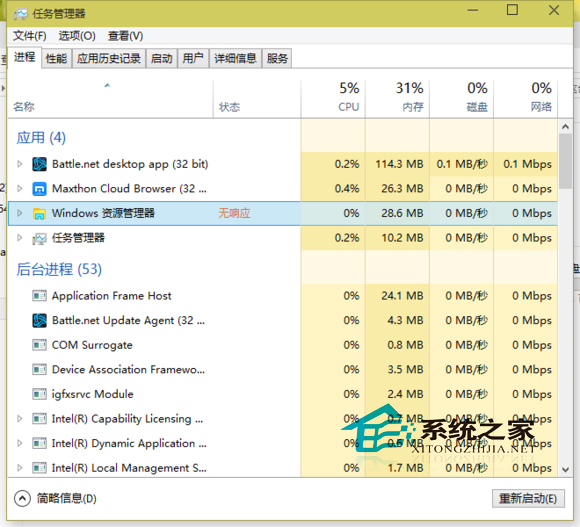
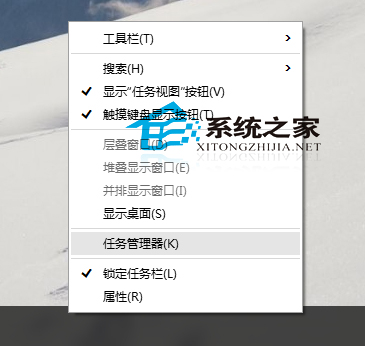
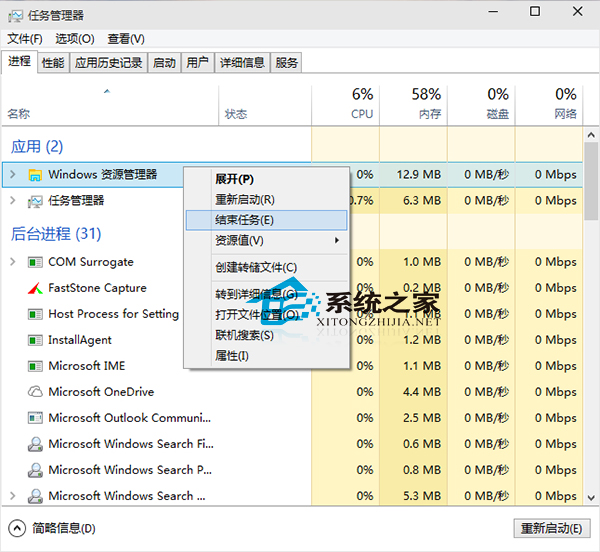
Win10 使用中若遇應用程式卡死「無回應」,可透過任務管理員快速終止進程。
此為通用強制關閉方案,適用於所有 Windows 版本。
升級 Win10 RTM 正式版 C 槽空間不足的官方解決方案
Win10 執行 H1Z1 無反應解決方案:結束易反作弊進程或切換加速器節點重啟遊戲
Win10 設置顯示器自動關閉時間:節能與護屏雙贏
Windows 10 IE 瀏覽器如何管理附加元件(增益集)?網際網路選項一鍵進入
Win10 工作管理員找不到 explorer.exe?改為「資源管理員」並支援右鍵重啟
Win10 隱藏工作列搜尋按鈕與任務檢視按鈕(登錄檔法)
Win10 桌面快速顯示「此電腦」圖示:檔案總管屬性找路徑建立捷徑
Win10 自訂預設鎖定畫面壁紙:登錄修改指定專屬圖片,不影響 Windows 聚焦