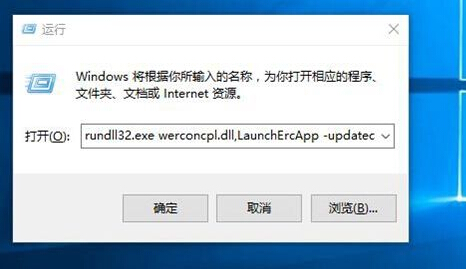
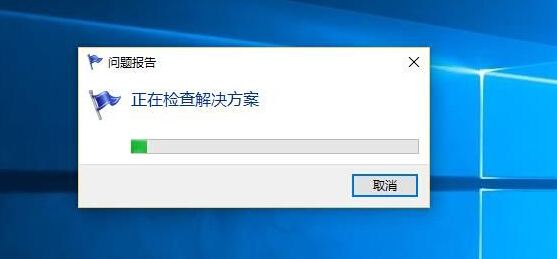
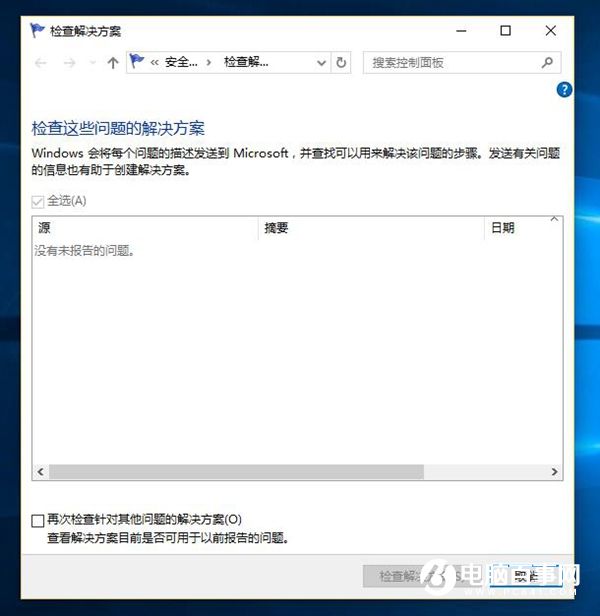
程式當機後 Windows 會自動產生錯誤報告,用戶可手動檢查是否有解決方案:
rundll32.exe werconcpl.dll,LaunchErcApp -updatecheck
control.exe /name Microsoft.ActionCenter /page pageSignoff
官方內建問題回報管道,善用可輔助排除軟體衝突。
Win10 迅雷影音閃退、崩潰?重新命名 XMP.exe 強制呼叫獨顯完美解決雙顯卡衝突
Win10 將秒錶釘選到「開始」菜單的快速方法
Win10 變更 Edge 瀏覽器預設搜尋引擎教學 (以 Google 為例)
Win10 免費升級常見問題官方解答:釋出時間、資格條件、裝置需求、企業版/RT 排除
Win10 內建相容性疑難排解:輕鬆測試與修復舊軟體相容性問題
Win10 系統「更改電腦設定」兩大入口:快捷鍵與開始選單全解析
Win10 9926 啟用 Cortana 語音喚醒「Hey Cortana」完整設定教學
Win10 無線網路頻繁斷線?裝置管理員關閉網卡「允許電腦關閉此裝置以節省電源」省電功能