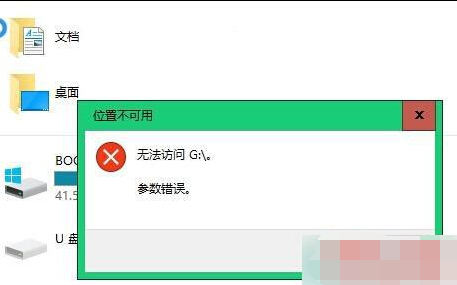
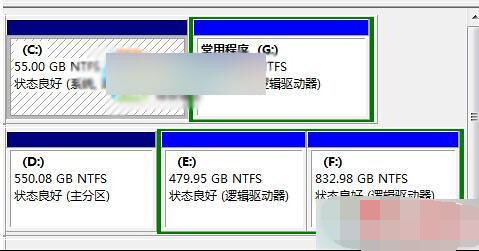
同 ID 21680 內容精簡版,提供 CHKDSK 修復與重新分區格式化兩大方案。
CHKDSK H: /F /R
(H: 為硬碟代號,/F 修復錯誤,/R 掃描壞軌並恢復資料,需重開機執行,耗時視容量而定)
優先嘗試方法一,若無效且資料已備份再用方法二。
Windows 10 讓 Charms 列回歸桌面:PopCharms 小工具一鍵啟用
Win10 預覽版必須持續接收更新才能免費激活正式版,微軟澄清升級資格
Win10 如何美化開始選單?變更顏色、調整色彩混合器、設定透明度
Win10 磁碟配額設定教學:限制使用者磁碟空間防止佔滿
Windows 10 Build 10586.164 雙系統 (PC/行動裝置) 更新內容彙總
Windows 10 移動硬碟「位置不可用/參數錯誤」解決方案 (精簡版)
Win10 自動維護功能怎麼關閉?透過工作排程器停用排程任務
Windows 10 惡意軟體移除工具 (MRT) 使用教學:自定義掃描 C 槽快速查殺