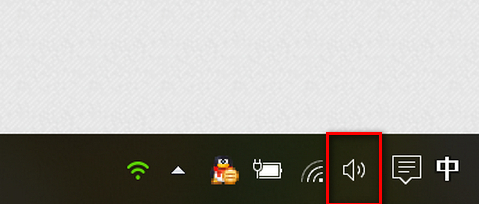
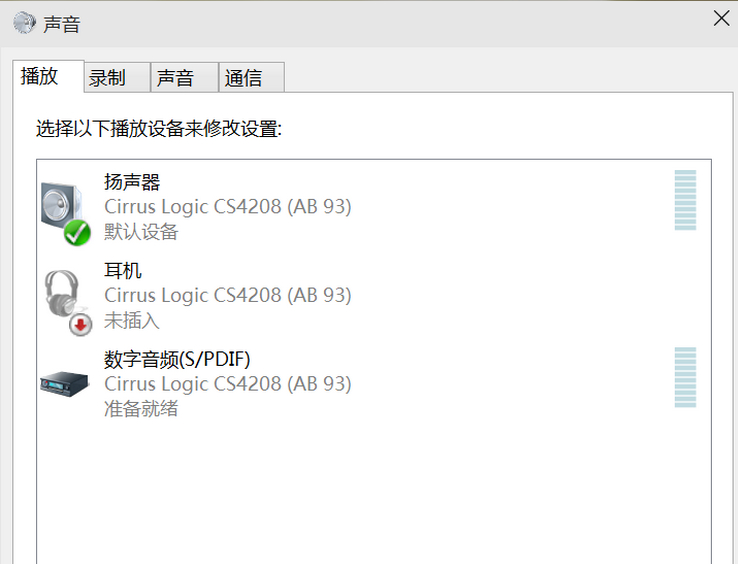
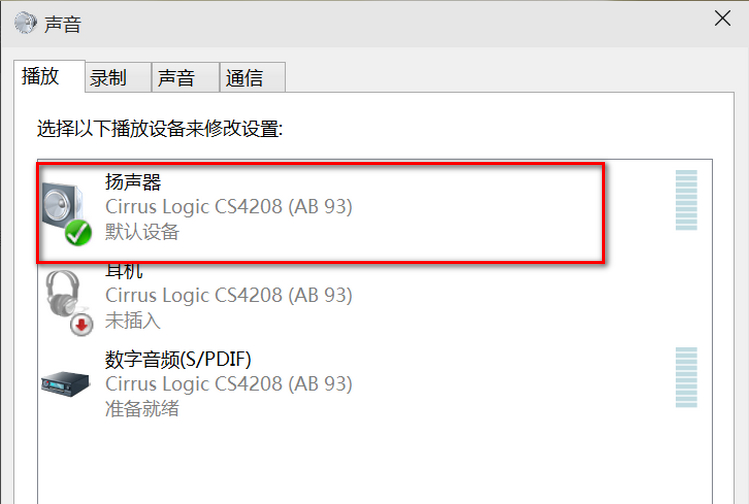
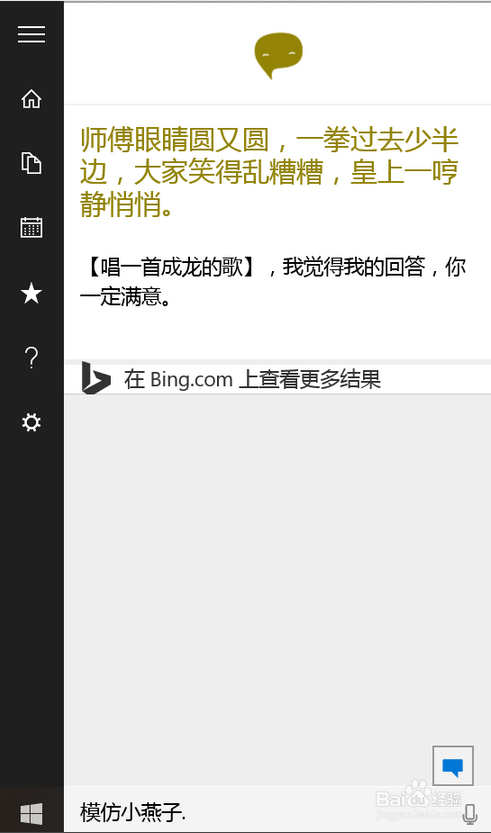
Cortana 僅顯示文字無聲音,通常是預設播放裝置未正確設定:
Windows 10 啟用提示「授權已過期」怎麼辦?修正系統時間或更新至最新版本
Win10 產品金鑰怎麼查?登錄檔 BackupProductKeyDefault 25 碼字串即為序號
Win 10 工作管理器顯示不全?安裝解碼器並刪除三個系統檔案修復
Win10 HP 印表機安裝失敗?移除舊驅動程式重新安裝官方完整驅動
Win 10 9879 自動更新失敗?切換至 Fast Ring 立即檢查更新
Win10 內建 Xbox Game Bar 錄螢幕教學:Win+G 快速鍵、顯卡需求與實操技巧