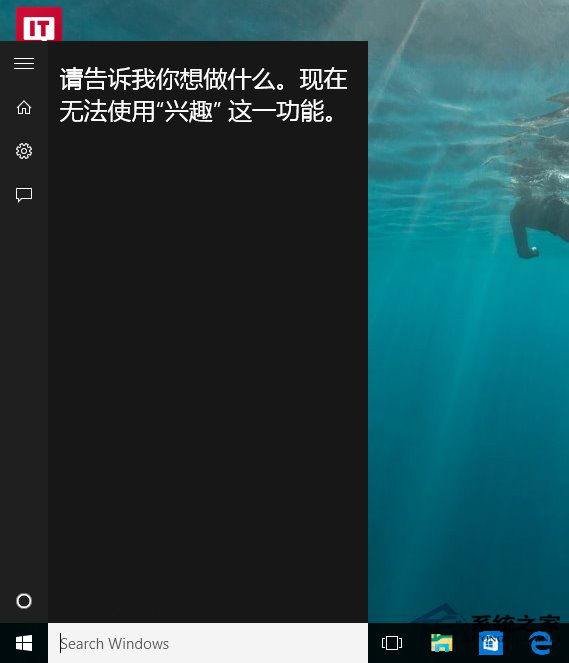
Cortana 整合網路搜尋導致回應延遲,若不依賴線上功能,可關閉網路搜尋大幅提速:
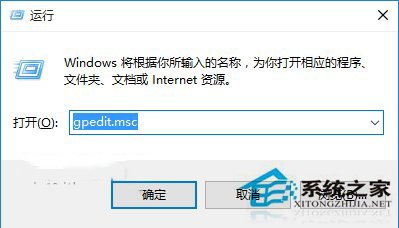
gpedit.msc
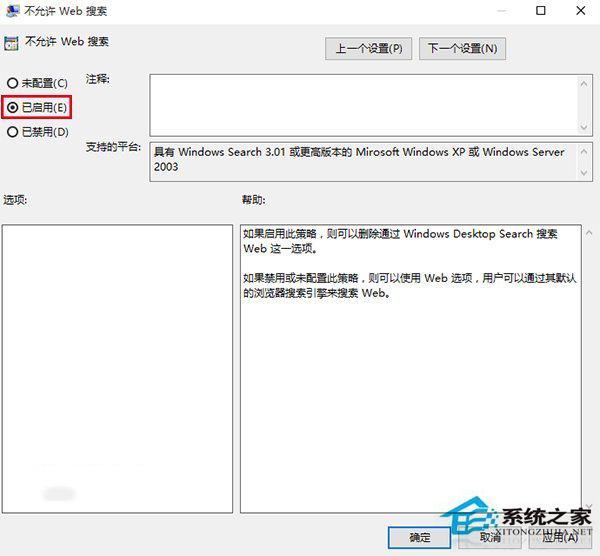
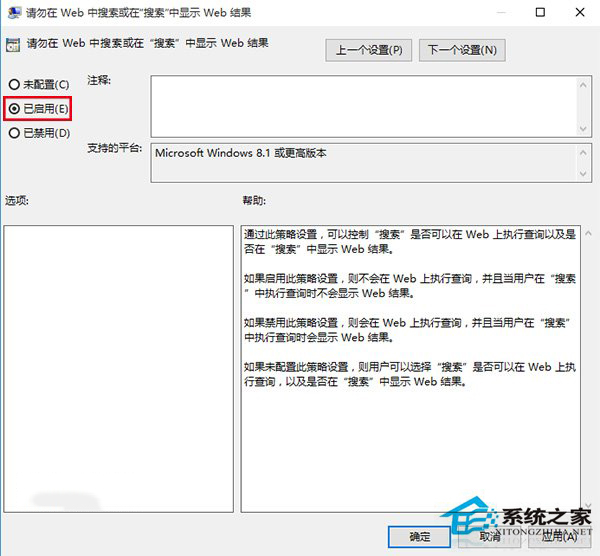
電腦設定 → 系統管理範本 → Windows 元件 → 搜尋
捨棄線上功能換取極速本地搜尋,視個人需求取捨。
Windows 10 新增或修改英文輸入法設定技巧
Win10 一鍵回滾到舊版 Windows:升級不滿意隨時能退回
Win10 10061 人脈應用閃退應急修復:清理 contacts.txt
Win10 如何建立 Edge 瀏覽器桌面捷徑?三種方法任選
Win10 如何關閉小娜 Cortana 自動收集個人資訊?隱私權設定圖文教學
Win10 同時調整圖示與文字大小縮放設定教學
筆電插電卻不充電?電源選項啟用「使用電池」選項解決
Win10 如何啟用平板模式?四步驟切換全螢幕體驗