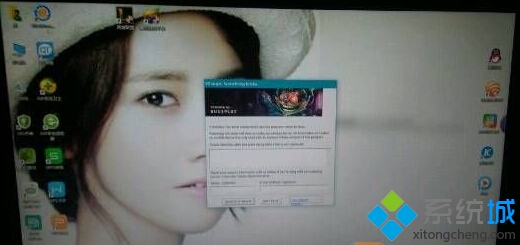
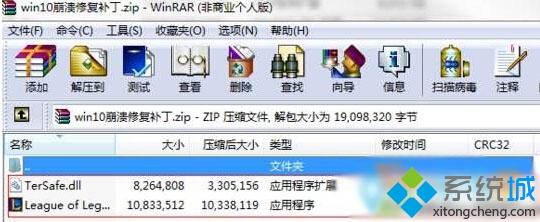
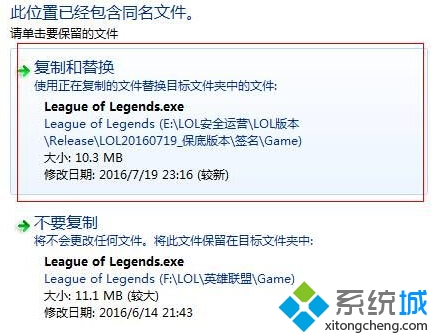
Win 10 執行《英雄聯盟》當機?官方崩潰補丁替換 Game 目錄下兩檔案修復
League of Legends.exe
TerSafe.dll
英雄聯盟/Game/
官方補丁修復特定版本相容性問題,替換兩檔案後即可正常遊玩。
升級 Win10 後電腦自動開機怎麼辦?關閉自動維護喚醒功能解決
Windows 10 提升網頁載入速度:Internet 選項調整快取與資料庫設定
Win10 解除安裝記憶體驅動程式:裝置管理員三步驟重置硬體抽象層
Win10 連接投影機完整設定教學:Win+P 快捷鍵與進階顯示選項
Win10 查看本機 IP 位址:CMD 指令與圖形介面雙軌教學
Win10 玩魔獸爭霸 III 搜狗拼音不顯示?輸入法設定「不同視窗顯示拼音」+ 遊戲設定「獨佔全螢幕」
Windows 10 Continuum 模式啟用方法與功能介紹
Windows 10 休眠檔案清理與瘦身:powercfg 指令設定大小、軟媒魔方一鍵關閉