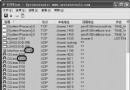
conime.exe
msconfig
Ctfmon.exe
ctfmon.exe
c:\windows\system32\ctfmon.exe
ctfmon
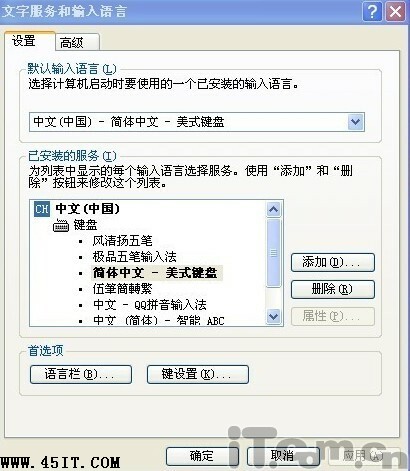
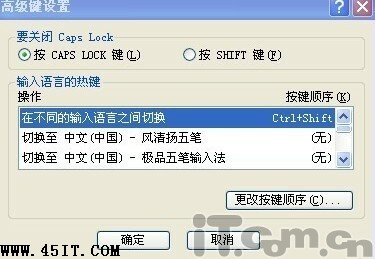
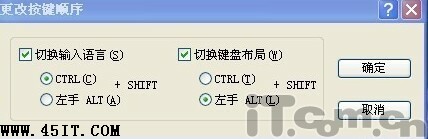
提醒:無語言列時,Ctrl+Space 切換中英,Ctrl+Shift 循環切換輸入法。
解決「風速加密」導致硬碟分區無法開啟的問題
Ghost 硬盤克隆經典圖文教程:備份、還原、整盤複製
Adobe AIR 是什麼?有什麼用?通俗解釋與開發者技術詳解
智能 ABC 筆畫輸入法:不會拼音也能輸入生僻字,系統內建零安裝
WinRAR 實現智能備份:命令列參數 + 排程任務,自動增量更新、備份後關機
ICH8 南橋主板無法用 GHOST 安裝 XP?DOS 不識別第三方 IDE 控制器,請用正規安裝光碟
GHOST 提示找不到 GHOSTERR.TXT 解決方案
PQMagic 轉換 NTFS 到 FAT32 導致中文檔名亂碼?三大救援方案:FinalData、Ghost Explorer、Linux Knoppix