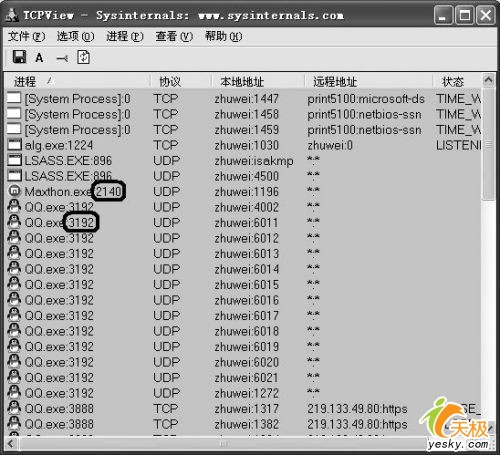
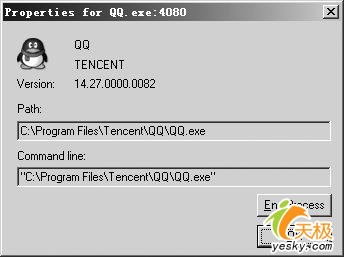
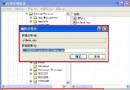
防毒牆不足以防範高明駭客。TcpView(Sysinternals 免費綠軟)雙擊即用,主視窗列出所有開啟端口與執行緒,Win2K/XP/2003 直接顯示程式圖示,一眼分辨正常應用與系統服務開啟的端口。
C:\WINDOWS\system32
本文來自電腦軟硬件應用網 www.45it.com,轉載請注明。
VMware 管理員五大經典錯誤:重命名虛擬機、塞滿 LUN、網路命名、角色鎖定、網卡全滅
HD4.GHO 是什麼檔案?是病毒嗎?Ghost 光盤分區映像檔詳解
WinRAR 八大不傳密技:自解壓木馬識別、壓縮大小預估、快速切換盤符、批量建資料夾、鎖定設定、平面視圖解壓、格式轉換、鎖定壓縮檔
WinRAR 進階應用大全:分卷壓縮、加密、自解壓、安裝包製作、檔案管理、備份自動化
Ghost 最小化克隆兩大迷思:Hiberfil.sys 與 Pagefile.sys 其實不佔映像體積
ISO 鏡像檔玩法大全:正確讀取、光盤整合、自動查毒與瘦身技巧
紫光拼音輸入法 8 大實用技巧
QQ 電腦管家「安全金幣」完整攻略:獲取途徑、兌換獎品與實用技巧