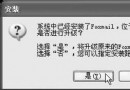
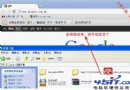
用 Maxthon 開啟起點中文網、射手網等站點提示下載 .aspx 檔,別台電腦正常顯示。
.aspx
msxml6.msi
regsvr32 msxml6.dll
完成後即可正常顯示網頁。
如何正確移除 IE8 瀏覽器正式版
微信輸入哪些詞會掉特效?生日快樂、想你了、過年關鍵字全整理
微信紅包如何提現到銀行卡?開通快捷支付與提現全流程
網頁打不開?撥號/路由/內網三大場景完整排查指南
解鎖 IE 第五道防線:「我的電腦」安全區域啟用與應用
瀏覽器提示「此網頁包含重新導向循環」怎麼解決?清除 Cookie/允許第三方 Cookie
微信嘀嘀打車定位失敗怎麼辦?GPS/網絡/信號三維排查
三種寬帶撥號軟體常見錯誤代碼與對策