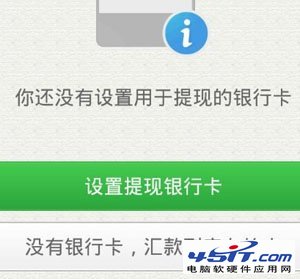
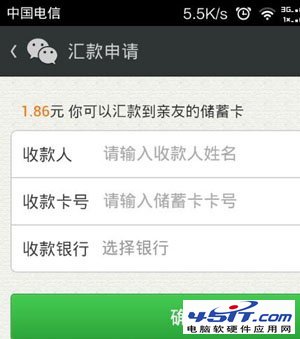
微信紅包僅支援提現至儲蓄卡(不支援信用卡),需先開通銀行卡快捷支付:
期待:未來支援紅包直接消費/無卡提現,避免被迫綁卡。
巧解迅雷自動攔截下載:關閉瀏覽器與剪貼板監視,靜默下載小檔案
阿里旺旺網頁圖標點擊無反應:SRE 工具清理空名稱 ActiveX 外掛 + 360 急救箱系統修復實戰
騰訊微博暱稱如何修改?兩步驟快速完成
BT 下載流量控制全攻略:QoS、協議識別、端口與頻寬限制綜合方案
迅雷斷點續傳技巧:帶走 .td 和 .td.cfg 兩檔案,異地續傳零壓力
恢復「通訊錄」中誤刪的聯絡人:利用 .wab~ 備份檔還原
菜鳥必學:迅雷執行緒數越多越快?錯!預設 35 線程通常已跑滿
FlashGet 不只是下載工具:三大隱藏實用功能大公開