Windows XP Windows 7 Windows 2003 Windows Vista Windows 綜合教學 Linux 系統教學
Windows 10 Windows 8 Windows 2008 Windows NT Windows Server 電腦軟體教學
您现在的位置: Windows教程網 >> Windows教程 >  >> 電腦軟體教學 >> 網路工具

FavoriteVideo 資料夾刪不掉?來源是 PP 加速器緩存,解除安裝或改路徑即可

編輯:網路工具

FavoriteVideo 為 PP 加速器(PPLive 等)建立的影音緩存資料夾,通常位於最大分區根目錄,線上看片/聽音樂時自動寫入,體積持續增大。

徹底刪除

唯有解除安裝 PP 加速器,資料夾才會隨之消失。

僅遷移位置

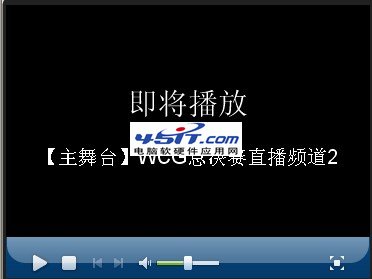
  1. 播放任意影片 → 右鍵播放器 → 「設定」。
    播放器設定入口
    設定介面
  2. 修改緩存預設路徑至其他分區。

經驗補充:停用 Web 感知下載

  1. 關閉所有影音網頁,刪除 FavoriteVideo 資料夾。
  2. 右鍵系統匣 PPLive 圖示 → 「選項設定」→ 「下載」。
  3. 取消勾選「啟用 Web 感知下載」,功能關閉後資料夾不再自動產生。

不想保留離線緩存功能者,停用此選項最省事。

Copyright © Windows教程網 All Rights Reserved