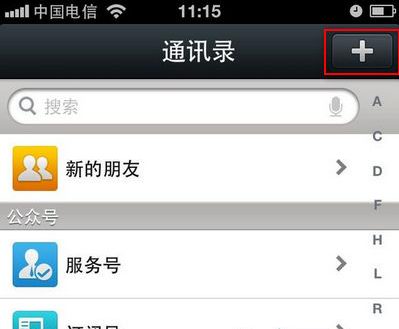
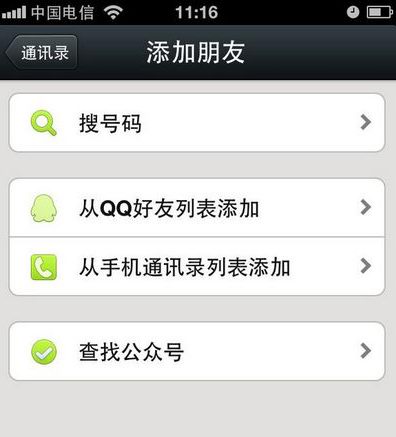
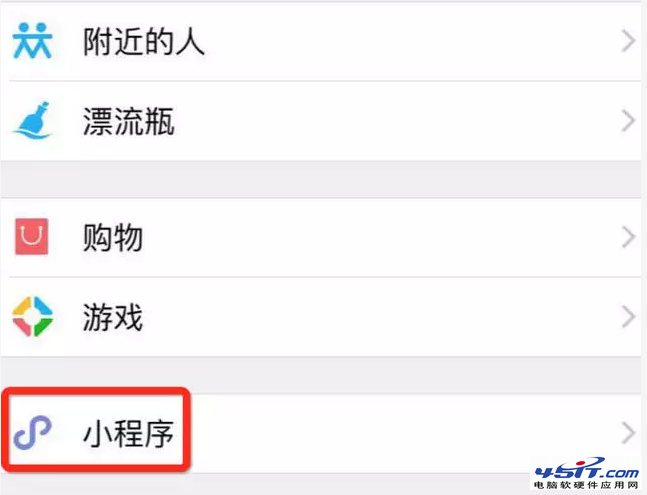
微信 5.0 介面調整,加好友入口移至右上角「+」號:
原「通訊錄」頁面已改為「發現」,功能入口統一在「+」號中。
新手上路:讓 QQ、播放器等工具隨 Maxthon 瀏覽器一同啟動
瀏覽器出現「stack overflow at line:0」且圖片不顯示?註冊表修復 PNG 關聯
IE9 實用設定技巧六則:分列網址列/標籤、移動重新整理鈕、相容性檢視、追蹤保護、ActiveX 篩選、GPU 加速
Outlook 編輯郵件出現段落標記等符號?編輯器選項中取消勾選即可隱藏
微信語音發不出去?清理 MicroMsg/voice 目錄徹底解決
搜狗瀏覽器取消滑鼠雙擊關閉分頁:標籤設定中取消勾選即可
如何阻止 UC 2008 強制升級至 2009
160WiFi 常見故障自救全指南:開不了熱點、連不上網、網卡異常一網打盡