旺旺收發訊息空白但有聲音、手機版正常、其他電腦正常,通常為本機設定或資料損壞:
- 檢查系統時間:確認年月日時間正確,時間偏差會導致通訊異常。
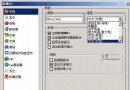
- 啟用 IE Active Scripting:IE → 「網際網路選項」→ 「安全性」→ 「自訂等級」→ 「指令碼」→ 「啟用 Active Scripting」。
- 修復本地資料庫:
① 登出旺旺。
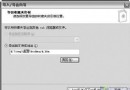
② 旺旺安裝目錄 users\會員ID\TBmsg.atb 重新命名(備份舊聊天記錄)。
③ 重新登入測試能否儲存新記錄。若可,將舊檔匯入即可恢復歷史訊息。
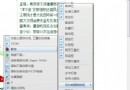
- 修復 IE 核心元件:使用 360 瀏覽器 → 「說明」→ 「修復瀏覽器」→ 方案 3「立即執行」;或執行系統垃圾清理。
依序嘗試,多數情況可恢復正常收發。