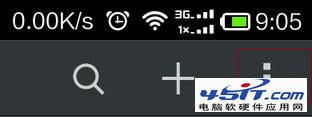
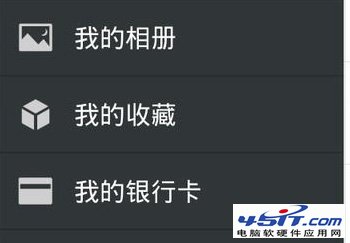
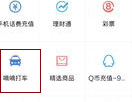
微信內叫嘀嘀打車完整路徑:
全程不離開微信,支付自動走微信支付通道,享立減優惠。
迅雷右鍵下載失效?官方修復工具與登錄檔修復雙管齊下
微信能發動圖嗎?GIF 動圖發送技巧與大小限制
解決 Windows XP 光碟機無法輸出類比音訊的問題
IE 取消「已限制此網頁運行腳本/ActiveX」提示:Internet 選項進階設定一鍵關閉
IE9 省電模式設定:為筆電/桌機節能減碳
IE 自動關閉、記憶體無法讀取?真兇竟是印表機列印工作卡住!
解決開機時 ksdsvc.exe 應用程式錯誤的方法
新浪微博如何移除粉絲?兩步驟取消關注關係