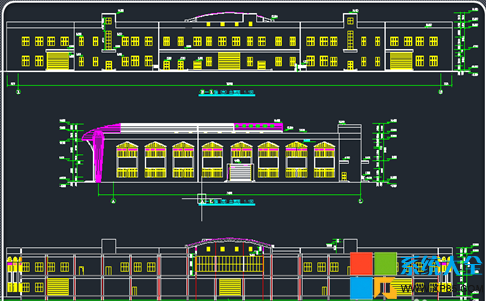
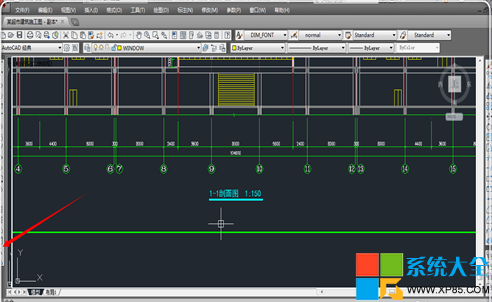
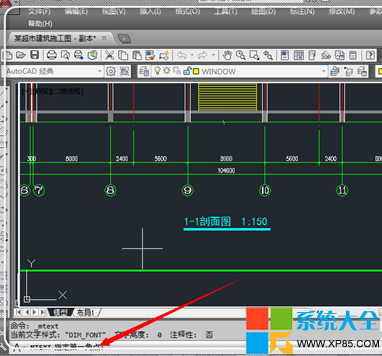
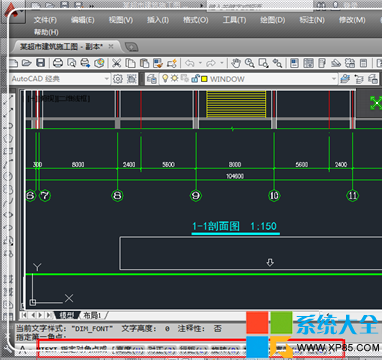
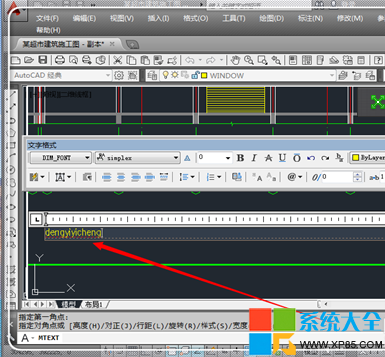
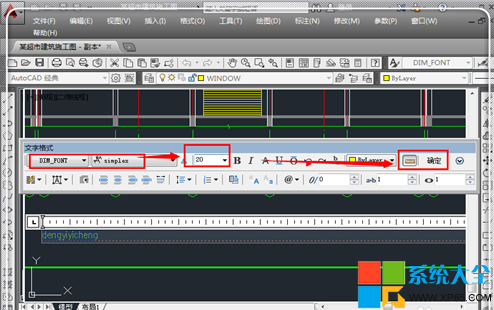
CAD 不能直接打字,需啟用文字指令:
MTEXT
單行文字用 TEXT 或 DTEXT,適合簡短標註;多行文字支援段落排版、樣式豐富,工程圖面常用。
TEXT
DTEXT
微信電腦版怎麼建群?圖文教學一分鐘學會
寬帶連線錯誤 769 成因分析與多重解決方案全攻略
《俠客風雲傳》開箱子拼圖小遊戲通關視頻攻略:妹子解說帶你過關
Everything 搭建 HTTP 遠程搜尋服務器:跨網段搜檔、下載、權限控制全流程
電腦護眼秘訣:把背景換成蘋果綠,輕鬆緩解視疲勞
御天降魔傳葉凝漪操作全解析:最快瞬移、冰火雙修、無限連招實戰技巧
天涯明月刀七夕「金風玉露」任務全流程圖文攻略:周婷→徐海→開封三地跑圖
鍵盤失靈、按鍵無反應?常見故障與解決方案總整理