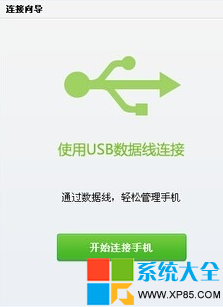
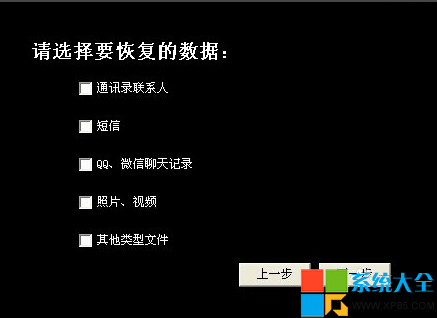
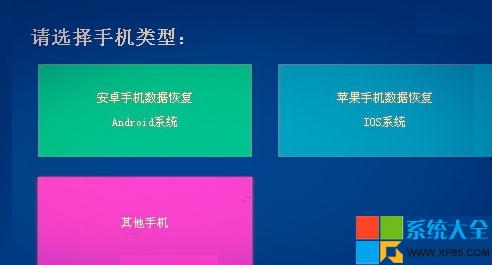
端午出遊照片被孩子誤全刪,恢復步驟:
關鍵:發現誤刪立即停止寫入手機,提高成功率。
爐石傳說「冠軍的試煉」慢速控制大王術卡組深度解析與構築指南
LOL四周年戰鬥之夜:電玩之王永久頭像獲取全攻略
PPT 自製翻書動畫效果:自選圖形 + 自訂動畫,零插件媲美專業軟體
FlashFXP 文件上傳 4 大進階技巧:提速、篩選、大小寫、快速升級
《合金裝備5:幻痛》夥伴好感度速刷全指南:馬/DD/靜靜差異化培養法
微軟正式終止 Windows 8 支援,驅動人生持續提供驅動服務
Office 2013 打開 Word 即閃退解決方法:取消兼容性模式運行(Vista 模式導致衝突)
Word論文寫作神技:逗號分隔文本一鍵轉表格,畢業季必收藏