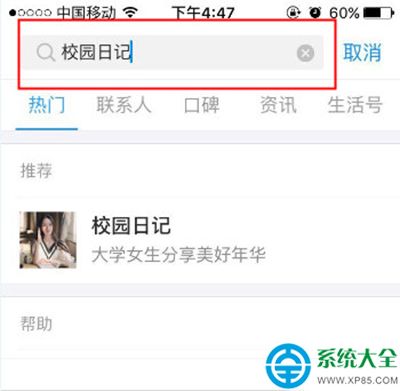
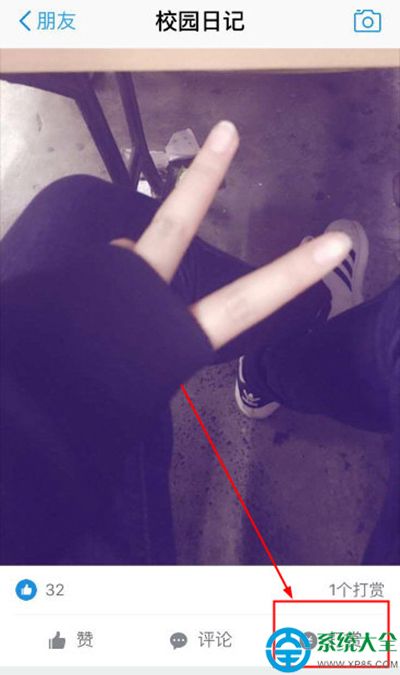
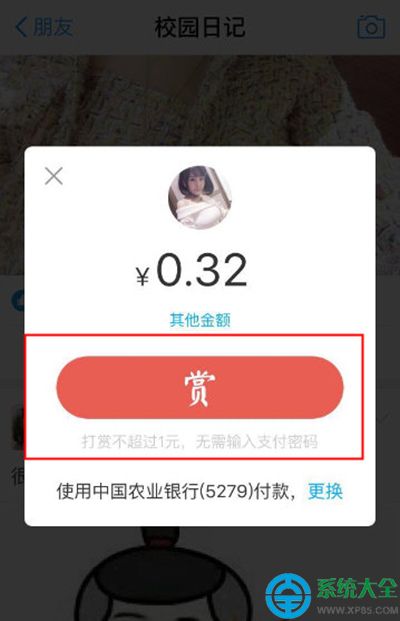
支付寶「校園日記」是校園社交動態板塊,看到喜歡的內容可點贊或打賞。打賞流程如下:
打賞屬於個人贊賞行為,請量力而為,切勿沉迷。
12306 驗證碼太難?人生日歷教你四招撿漏搶返程票
萬能五筆輸入法 Win10 搶先體驗版更新:修復兼容性問題,支援 Edge 瀏覽器與應用商店輸入
手機秒變無線鼠鍵:WiFi Mouse 讓你躺平操控電腦
CF 11 月非常幸運活動:白名單玩家專屬福利
《御天降魔傳》莎爾丹BOSS打法全解析:三階段攻擊模式、弱點利用、方錦空中連招破核心
誤刪檔案且清空回收站怎麼辦?用 360 安全衛士嘗試資料救援
《上古世紀》皇冠座金福禮盒獲取三大途徑:副本BOSS、開錢袋、商城買大金錘
俠客風雲傳:如何快速擊敗師傅?「拖延流」通關技巧分享