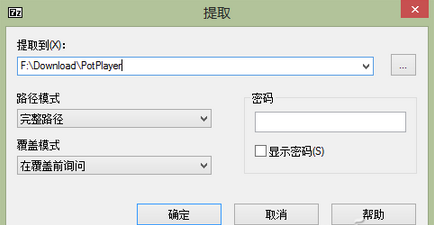
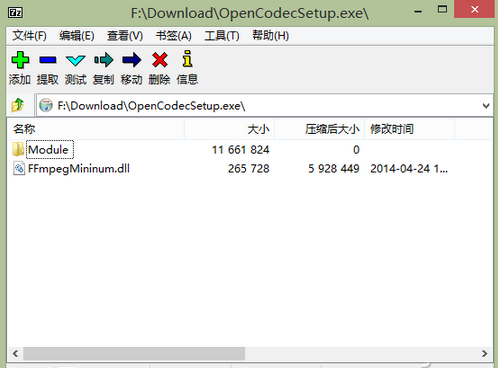
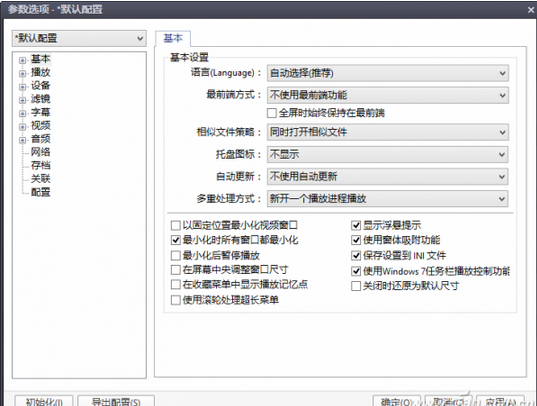
官方完整版 PotPlayer 含無法在國內使用的線上播放模組,可自行精簡製作綠色版,保留本地播放核心功能。
FFmpegMininum.dll
PotPlayer\Module\FFmpeg\
PotPlayerMini.exe
32/64 位通用,無官方精簡版時可自製。
搜狗輸入法「人名智能組詞」:輸入拼音按逗號,十億人名一次拼寫成功
中國移動「和視界」深度體驗:院線大片同步首發,多終端無縫觀影
俠客風雲傳「霹靂九天」獲取攻略:忘憂谷棋叟傳授、暗器 60 級前置
我的世界服務器地址修改教程:定位 New Gui.cfg 文件,手動編輯 IP 地址,Win8.1+ 需管理員權限
天涯明月刀七夕隱藏活動「新郎禮包」觸發攻略:NPC 位置、刷新機制與領取技巧
電腦虛擬記憶體不足完整解決方案:從病毒查殺到系統深度優化
御天降魔傳第一章試玩攻略:基礎操作、風車蓄力超殺、BOSS 蚩麗四連擊/火球應對
豌豆莢 SD 卡管理常見問題:雙 SD 卡顯示原因、新版功能優勢、右鍵/快捷鍵操作