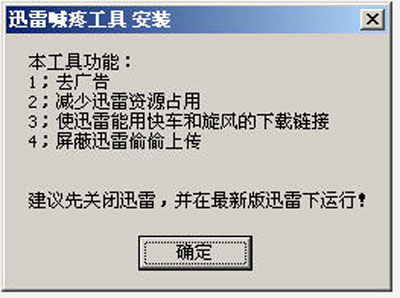
迅雷喊疼工具以外掛形式運行,可移除迅雷廣告、偷傳上傳等負面行為:
裝上迅雷的電腦建議必裝,還原純粹下載體驗。
獵豹免費 WiFi 校園神器 5 大常用設置匯總
《CF》七周年英雄武器限時折扣 888元現價734Q幣 財付通再享9.4折
2016 年拼假攻略:人生日歷教你用最少年假湊出最長假期
淘寶店鋪關鍵詞優化九大策略:精準定位、長尾組合、避開競爭
大白菜超級 USB 開機製作工具詳細圖文教學
逆戰幽冥毒皇 vs 死神獵手實戰屬性對比評測:PVP 推毒皇,PVE 塔防死神更穩
WiFi 共享精靈打不開/啟動失敗三大解法:ICS 共享、防火牆、驅動重裝
火影忍者OL雷主忍者考試135層通關陣容與手法詳解