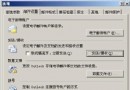
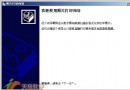
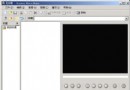
光碟放入光碟機會顯示個性化圖示,隨身碟卻只有預設磁碟圖示。其實能輕鬆將自己的照片變成隨身碟專屬圖示。
1.ico
AutoRun.inf
[autorun]
icon=1.ico
讓你的隨身碟在「我的電腦」中脫穎而出,辨識度滿分!
Explorer.exe 進程深度解析:從 Win9x 刷新登錄到 Win2000/XP 隱藏桌面加速與保密
Win98/XP 雙系統安全移除 XP:修復 MBR 與啟動檔案完整步驟
工作管理員五大隱藏技巧:啟動、優先序、偵測連接埠、視窗排列、快速關機
修改登錄讓 Windows XP 繼續接收 5 年安全更新(POSReady 機制)
九大防駭鐵律:把駭客擋在網路之外
Windows XP 無法開機三大故障類型診斷與修復策略
解決 Windows XP 開機進入桌面後短暫假死問題
iTunes 購買的音樂怎麼導入 Windows Media Player?Win7 完整圖文教學